
The Platform for Content-Led Growth
Turn your product content into your ultimate growth engine
Get startedMade to show up in AI answers

Made to show up in AI answers

Better content, better performance

Better content, better performance
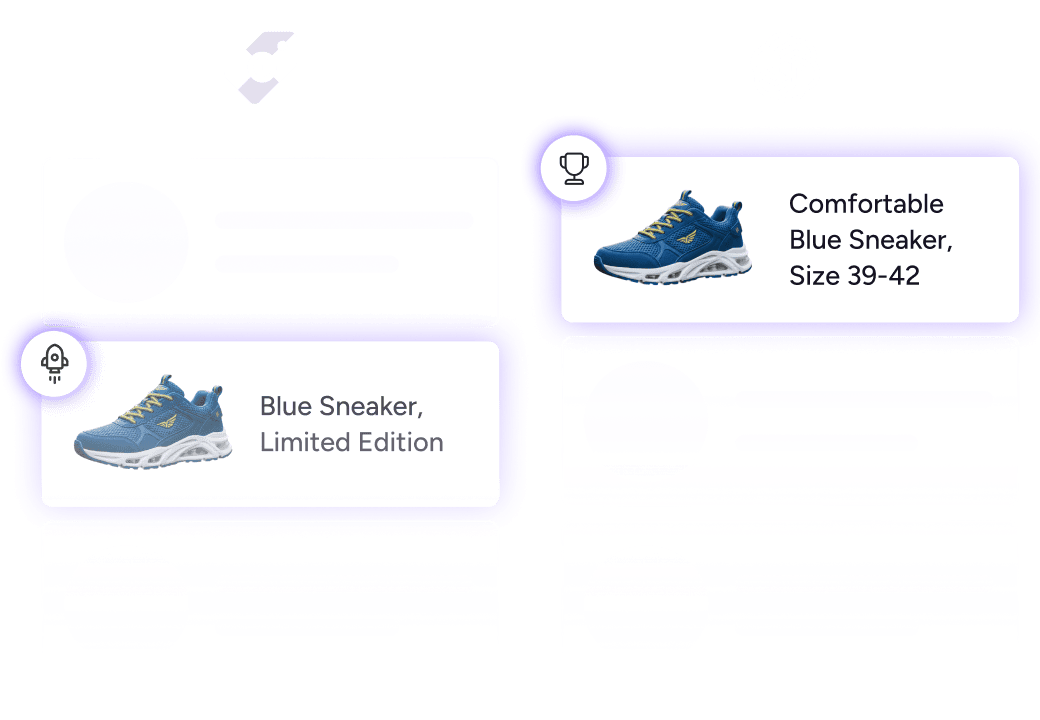
Best-in-class AI for product content
Best-in-class AI for product content
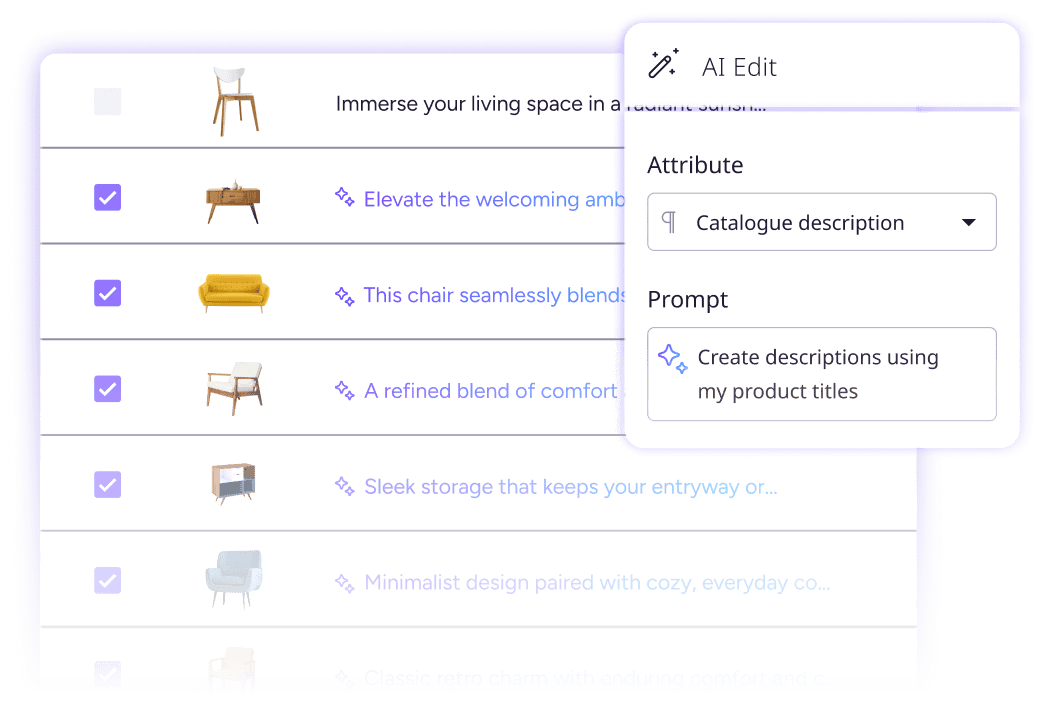












The best Content-Led brands run on Plytix
Get recommended by ChatGPT
LLMs are the new storefronts. Shoppers ask, AI answers. Plytix helps you optimize your product content so it recommends your products instead of (God forbid) your competitors.
Rank higher. Sell more. Simple
Search engines and marketplaces reward complete, well-structured, and enhanced product content. Optimize yours with Plytix and watch your products climb the rankings.
Use the best AI for your product content
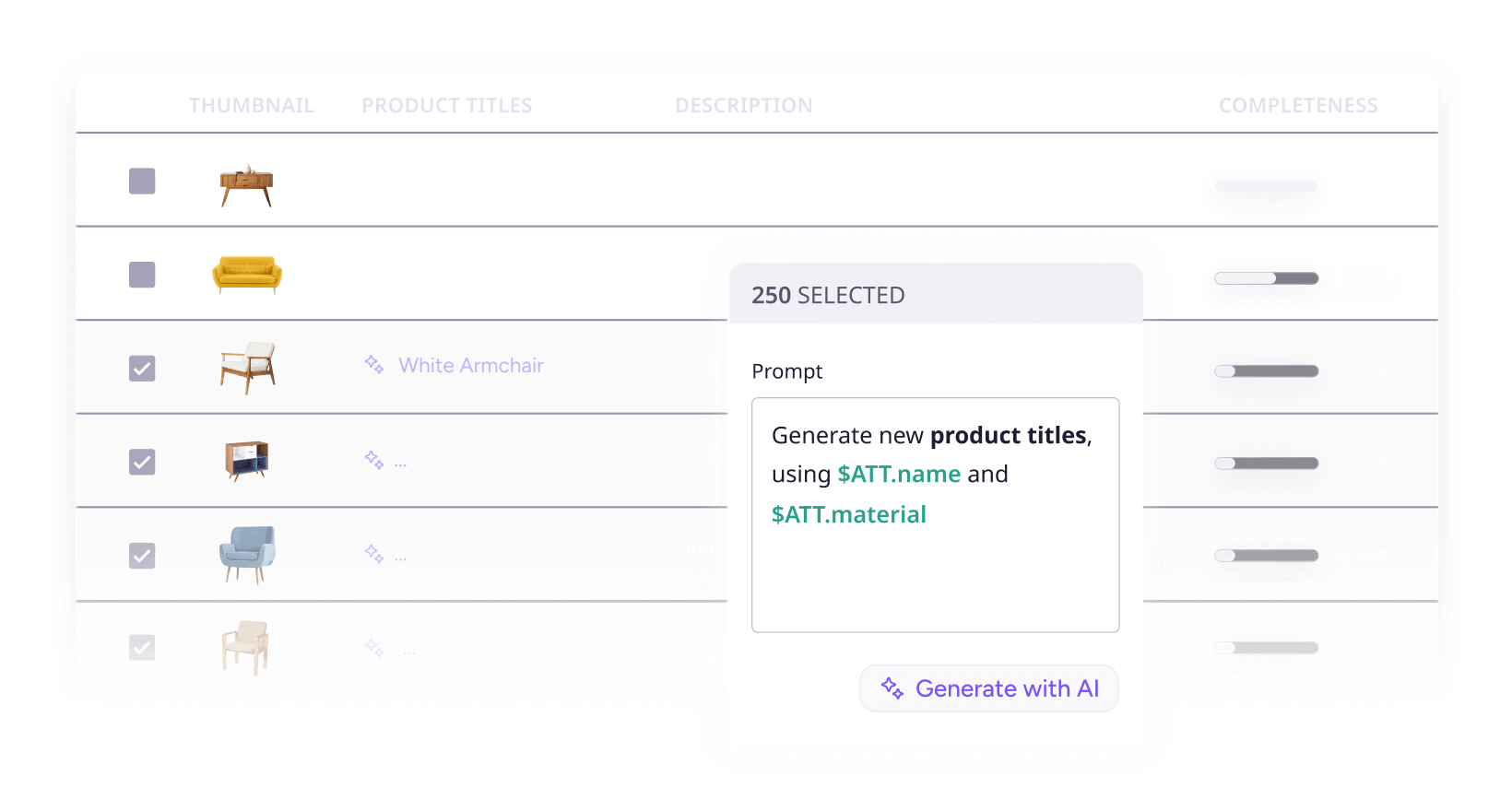
With Plytix AI you get better content, not just faster. That’s because the AI learns from your existing product content, and it is trained (constantly) on the latest best practices for Content-Led Growth.
Ranked #4 in G2's Best Commerce Software Awards 2026
See full report from G2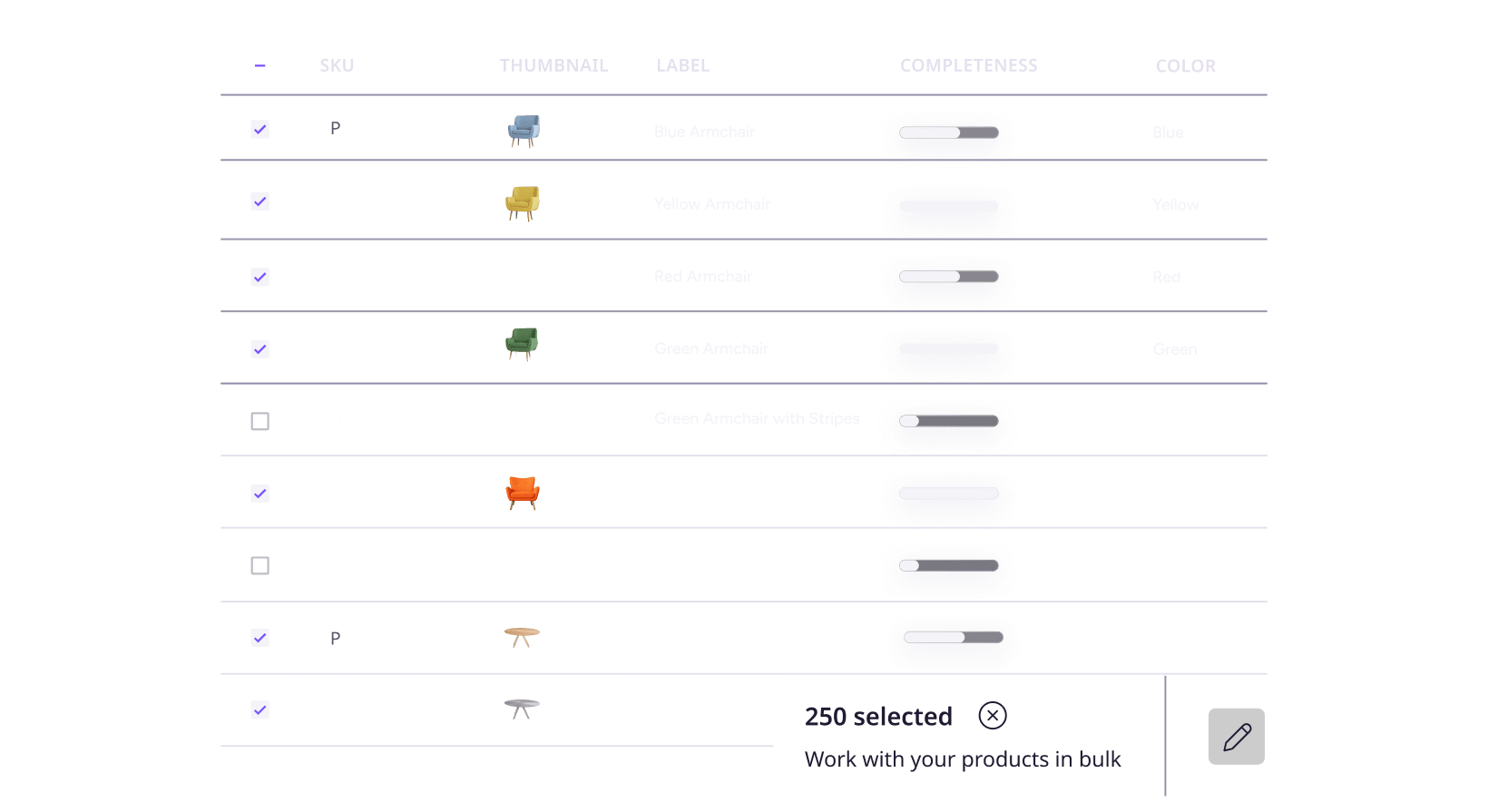

See all features
Top 5 things customers love about Plytix
1. All the features you need

Mihail M.
Graphic Designer at Al Fakher Holding USA

2. No drawn-out onboarding, just value

Jessica Hippensteal
Ecommerce Specialist, Rite in the Rain
3. The most user-friendly

Ciara Finn
Director of Ecommerce, Wholesome Goods
4. Incredible customer care

Lars Sorensen
Founder and Owner, Danfoss Fire Safety
5. Fair pricing

Matthew Freeman
VP of Marketing at Tie Down
Who is Plytix for?
Marketing managers
Create, enrich, and approve content collaboratively from one place, so you can launch your campaigns faster and even improve performance.
Ecommerce managers
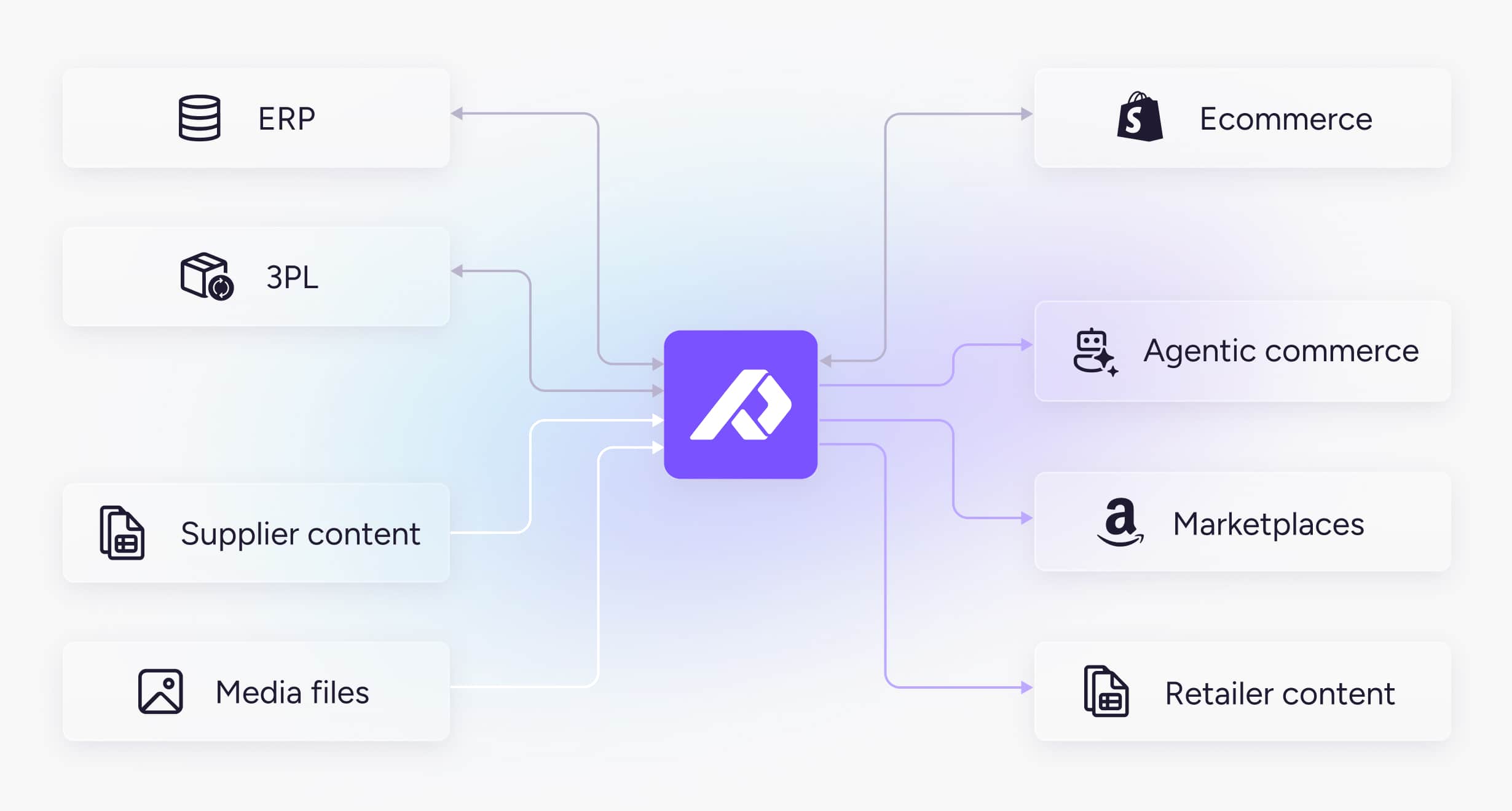
Managing listings for five different channels gets messy fast. In Plytix, one update reflects instantly everywhere you sell.
Operations managers
Stay accurate everywhere you sell. Avoid costly mistakes by managing permissions and approvals, and bridging the gap between your ERP and sales channels.
Everything you need to turn product content into growth
Standard
0
/mo
Pro
499
/mo
Enterprise
Custom

See if content-led growth is the right strategy for you
FAQs
It’s your built-in product content copilot inside Plytix. Beyond just writing and translating, it can adjust tone, clean up images, optimize for channels, and even evaluate the quality of your content. Copy and visuals, finally working smarter together.
Most AI tools make you copy-paste product info just to give them context; and even then, they’re not built to handle thousands of SKUs at once. Plytix already has your product data inside the PIM, so content is generated with full context: accurate, on-brand, and channel-ready. Plus, you can tweak tone, clean up images, and bulk edit everything in one place, without hopping between tools.
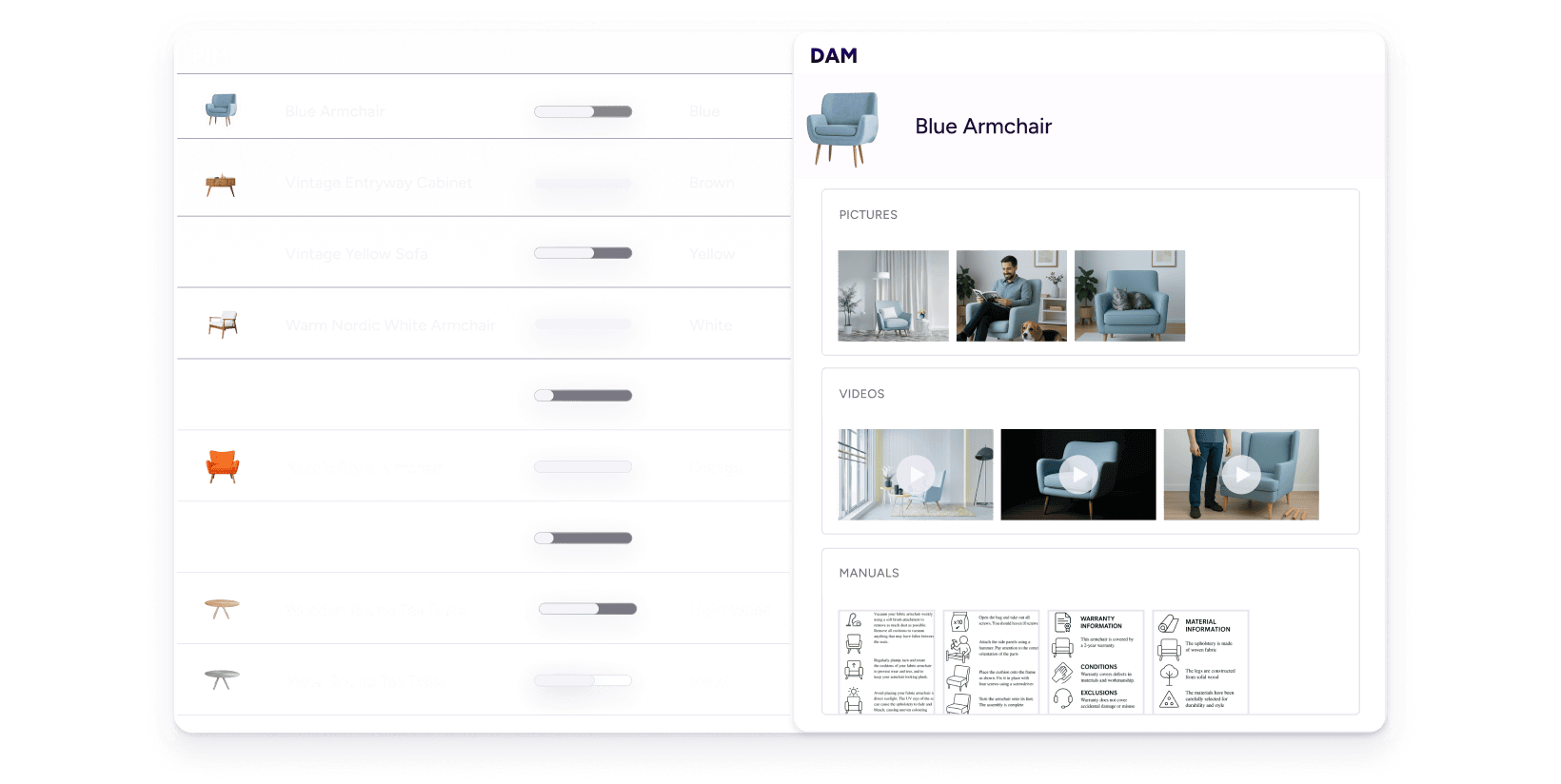
Nope. Plytix handles both text and media files in the same place. Resize, remove backgrounds, and upscale images inside the same tool. No more juggling between design systems, spreadsheets, and isolated folders.
Absolutely. You can test edits on a few products or images first, then roll them out at scale when you’re happy. Safe, simple, and zero surprises.
Not at all. Product content managers, localization specialists, designers, and sales teams all use it. Basically, anyone tired of reformatting images or rewriting descriptions will love it.
Plytix AI crafts SEO-friendly tags, enriches content for better discoverability, and tailors copy and images for each channel. This way, your listings get found more, rank higher, and convert better.
Plytix AI runs on credits, and every plan includes 1,000 AI free credits per month. You can use them for generating content, tweaking tone, or optimizing images. If you ever run out, that’s the only time you’d need to buy extra credits to use AI.