













Improve your ranking on Wayfair and sell more
88% of users say Plytix’s AI tools have improved their listings and increased their ranking on Wayfair.
Upload your products to Wayfair 6x faster
Customers report uploading 6x faster with Plytix and say it’s a smoother, easier process.
Get listings approved the first time
93% of Plytix users confirm that they no longer get their product data rejected by Wayfair.

Rank higher and sell more
Download this quick guide with all the best practices and SOPs that actually work for Wayfair.
From Plytix to Wayfair. How it works:

Download Wayfair's product template
Go to Wayfair and download the right template for your products. If your catalog holds different product types, you might need to download multiple templates.


Upload the template to Plytix
Head to Plytix and create a channel. Then, drag and drop your Wayfair template.


Match your attributes
Map the attributes you have in Plytix with the Wayfair fields in the right order from the template.


Select your products
Choose the products you want to upload to Wayfair. Then, process your channel and download the ready-to-go file from the generated URL.


Upload your products to Wayfair
Upload the file directly to Wayfair. And that’s it! Your products are now live.


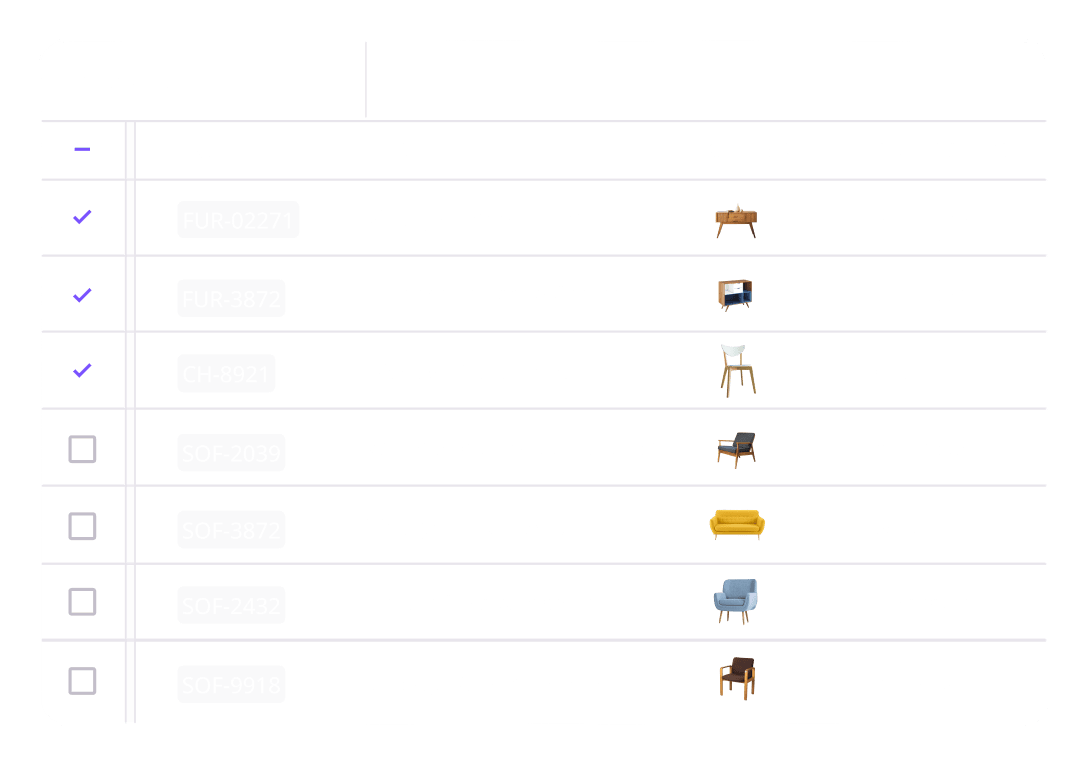

What are the benefits of using the Plytix PIM feed template for Wayfair?
Wayfair has its own data requirements (and a soft spot for precision), but with Plytix, you can build custom feeds that perfectly match Wayfair’s specifications. Automate data formatting and map attributes to meet structured listing rules, and keep your product details, dimensions, and materials synced so your listings always meet Wayfair’s high standards.
Here are the benefits of using the Plytix PIM Wayfair feed template:
Always up-to-date product data
Your listings automatically pull the latest information straight from Plytix. No more broken spreadsheets or outdated listings.
Automatic data formatting
Apply formulas and transformations so your fields match Zalando’s requirements, template structure, and allowed values.
Reusable, flexible feed templates
Stop rebuilding the same flat files over and over. Save and reuse templates for different products, categories, or regions with no copy-pasting.
Built-in validation and AI optimization
Never send incomplete listings again. Use completeness checks to validate your feed, then let AI handle translations, copy edits, and SEO tweaks
Smarter digital asset management
Enhance your product images right in your feed. Resize, rename, remove backgrounds, or change file formats without touching the originals.
Plytix has successfully been sending product data to Wayfair since 2018
Wayfair connects home brands with millions of shoppers. With 19+ million customers searching for home furnishings and décor, your products get immediate visibility on one of the largest ecommerce platforms. List your products and reach a massive audience without the need to build your own store.
Wayfair lets you sell to customers actively looking for home essentials, furniture, and décor, making it easier to scale your business. With Plytix, you can generate high-quality feeds that help you sell more on Wayfair with less work. More exposure, more sales, less copy-pasting. Just a better way to sell in the home goods space.

See how Plytix can help your feeds perform better everywhere you sell.
FAQs
No, Plytix doesn’t have a live integration with Wayfair, so feed templates aren’t automatically sent to Wayfair. While there are tools that specialize in connecting your product data directly to Wayfair, Plytix is the best tool to generate feeds for it. The Plytix feed template saves time by automatically formatting your product data to meet Wayfair’s requirements and connecting it to a central source of truth, giving you a ready-to-upload file with no messy spreadsheets needed.
Plytix also works hand in hand with feed management tools. Plytix is where you create high-quality product content and build clean, marketplace-ready feeds, while feed management tools focus on sending those feeds where they need to go. Together, they make managing and delivering your product data simple. See all the feed management tools you can connect with Plytix.
You can update your Wayfair feed template as often as you need. Once your fields are mapped, exporting an updated version takes seconds. New products or price changes? Just re-export from Plytix. No remapping, no manual edits.
Yes, you can set up multiple feed templates for different product categories, countries, or Wayfair accounts. Each one keeps its own mapping and rules, so you can stay organized as you grow.
You can absolutely create feed templates for other marketplaces. Once you’ve mapped your first feed template, the process is nearly identical for others. The logic stays the same; only the fields change.
Because manually filling out spreadsheets like Wayfair’s flat file is brutal. Plytix fills them automatically with clean, up-to-date product data from your PIM. No broken formulas, no endless copy and paste, just a ready-to-upload file that Wayfair will actually accept.
Nope, no need to keep duplicates of your data. Each marketplace has its own requirements on the character limit in your product titles, the decimals in your price, your image size and background color… just to name a few. So we definitely don’t expect you to keep all those different versions of the same info. Instead, you can quickly format that data for the specific marketplace you’re working with right in your Plytix channel, so the data is only changed in your template feed, not your Plytix account.
Yes, you can easily keep content for different markets, audiences, and languages right in Plytix. You can group content for the same market so you can quickly find and edit it, and even create completeness attributes to make sure all the fields for a given market are filled out before they’re added to your feed template. And the best part is, you don’t need to create that content from scratch; Plytix AI can localize content for different markets, all while following your tone of voice and keeping it optimized for your sales channel.
You can use smart lists so that only products that meet your criteria are added to your feed templates. Set your conditions (like, “Completeness is equal to 100”), save them into a list, and add them to your channel. Anytime a product matches those conditions, it will be automatically added to your feed template.
Wayfair’s requirements vary depending on a few category items, like the type of product you’re selling and where you’re selling it. To get the most accurate list of requirements, head to your Wayfair account and follow the steps to download the right template for your products. Once you have that template, you can easily upload it into a Plytix channel so you can match the fields with the right data.
Yes, you can sync all your digital media from Plytix. Plytix has an integrated DAM (Digital Asset Management) that lets you store most asset formats so you can organize and edit all your digital files in one place. You can even format your images for a specific feed template using AI, so it matches the requirements of your marketplace.