
• On your Products & Assets Overview pages, I mean… •
We’ve heard your requests and we’ve improved the Products and Assets Overview pages to include a few more practical things when working in Plytix…
While Grid View used to be excluded from the benefits of selecting several products/assets at a time or when bulk editing, those features are now on — for both Table view AND Grid view
Whereas before, if you wanted to unselect the products or assets you had selected, you had to click “select all” and then unclick it to unselect your previously selected products… Phew. So we’ve made it more straightforward and practical by adding an “Unselect all” option Easy (and yes, it’s available on Grid View now too).
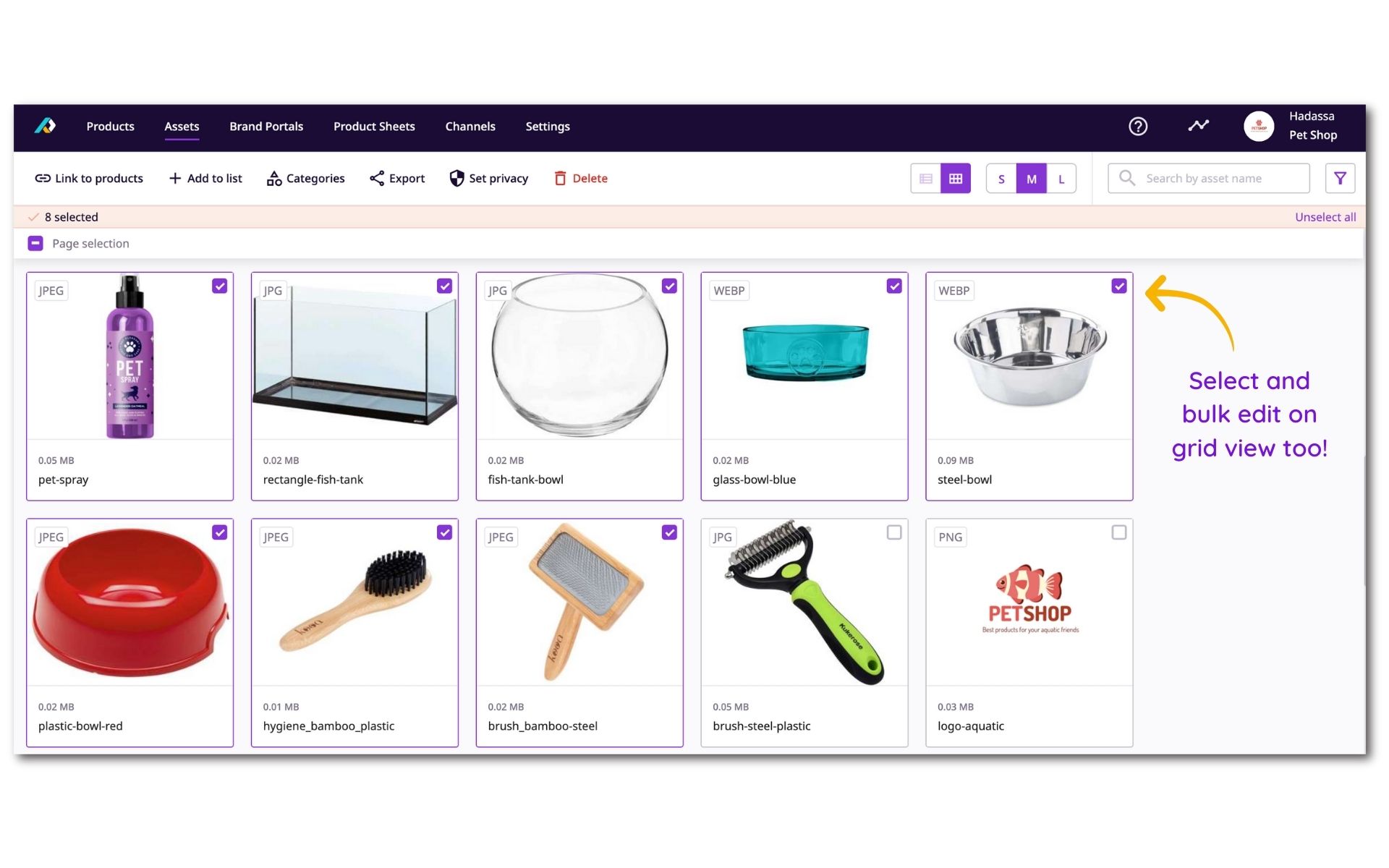
Speaking of selecting and unselecting several products or assets…
Now as you’re working on your PIM, your selection of products/assets will be maintained when:
- you’re navigating through the page
- using the search bar
- sorting the table
- or changing the table configuration (choosing between table/grid view)
But, careful here — when you:
- change your filters
- use the “clear filters” button
- or edit the family selector (this last one is for Products only),
then your selection of products/assets will be reset.