
Plytix - woocommerce product content manager
Create better product content for your WooCommerce store, faster than ever
Get started












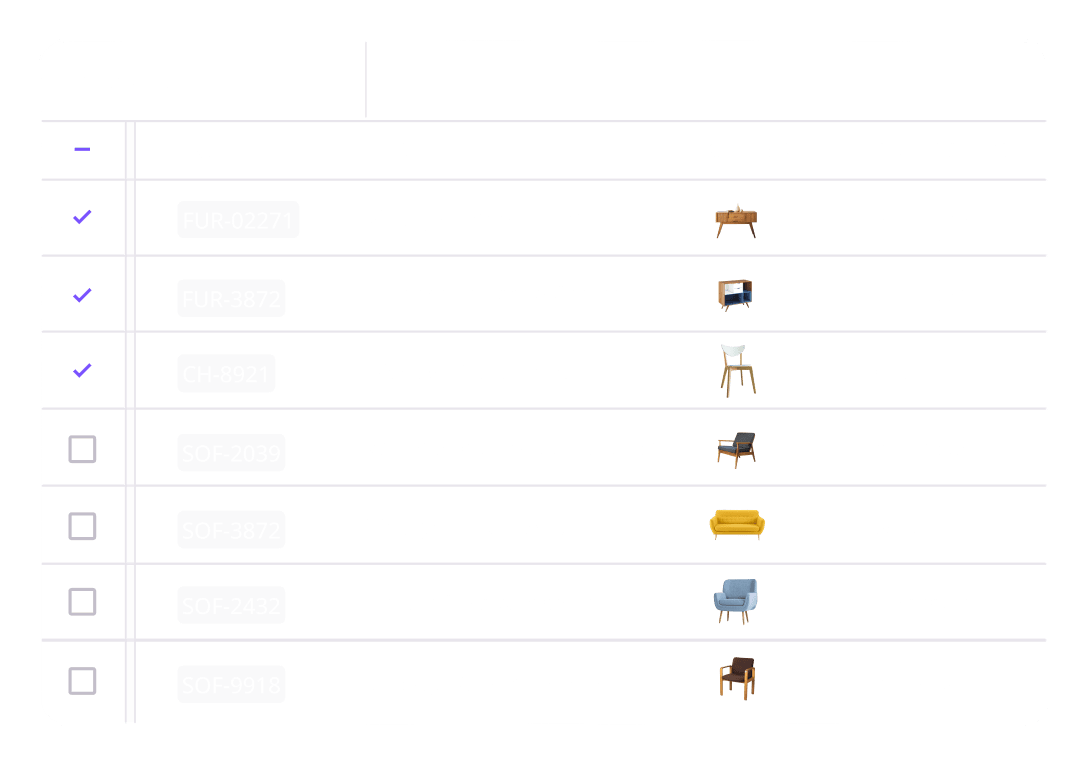
Accurate listings
Skip the messy spreadsheets. Keep your product information structured and ready for WooCommerce.
Record-time launches
Launch new products and expand to new markets faster with built-in AI and localization tools.
Content that converts
Create and optimize copy and images in bulk for better SEO and AEO rankings and discoverability.
From Plytix to WooCommerce. How it works:

Upload your product template from WooCommerce
Upload your WooCommerce template with all the required fields for your products.


Map your attributes
Map out the attributes you have in Plytix and match them with the WooCommerce fields in the right order from the template.


Select your products
Pick the products you want to upload to WooCommerce. Then, process your channel to create the ready-to-go template file.


Add your products to WooCommerce
Download the file and upload it to your WooCommerce store. You can also paste the feed URL for automatic updates through a compatible partner tool.
And that’s it! Your products are live on WooCommerce.


Ranked #4 in G2's Best Commerce Software Awards 2026
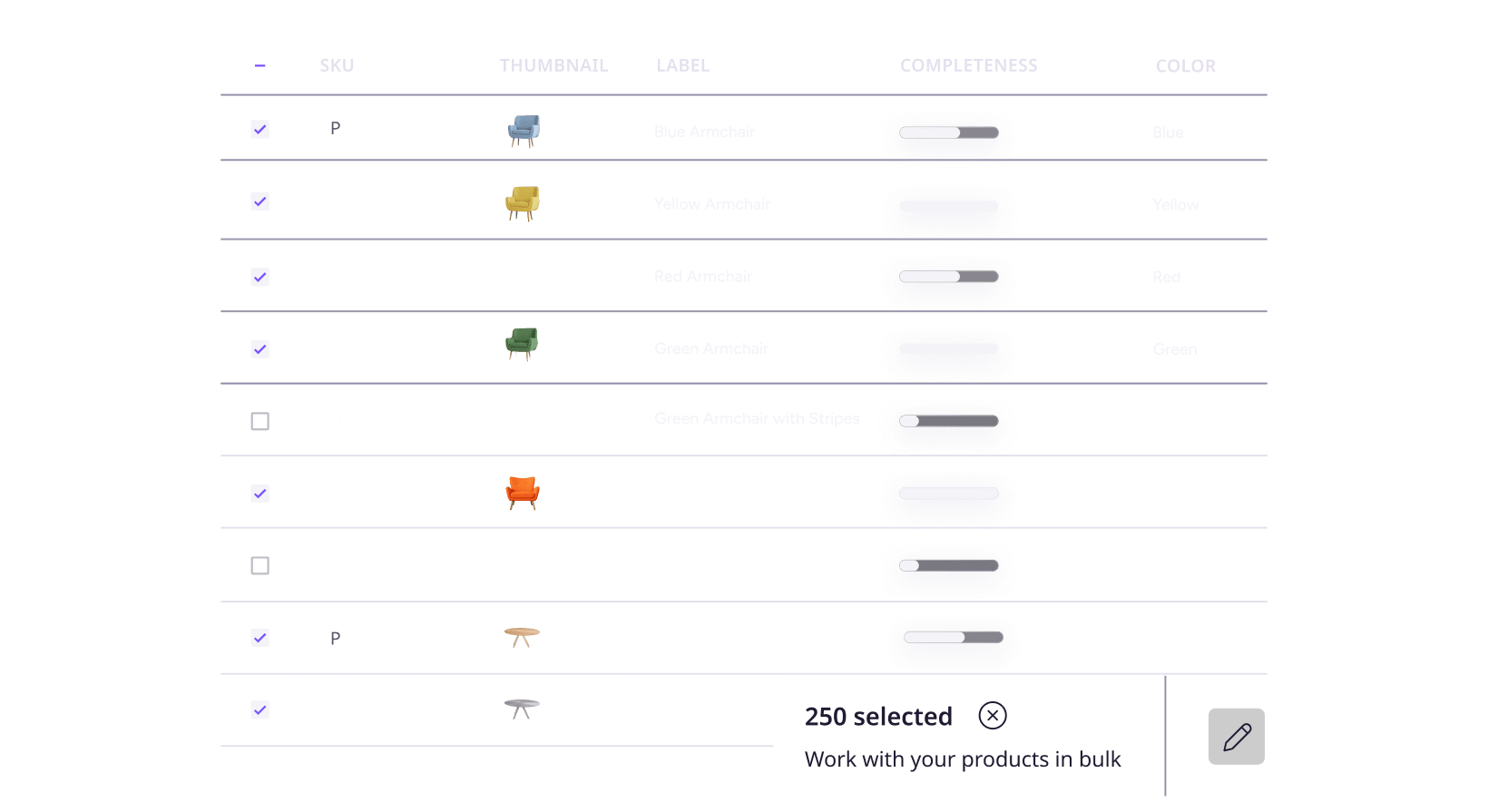
See for yourselfUpdate copy and images for 1,000s of products at once
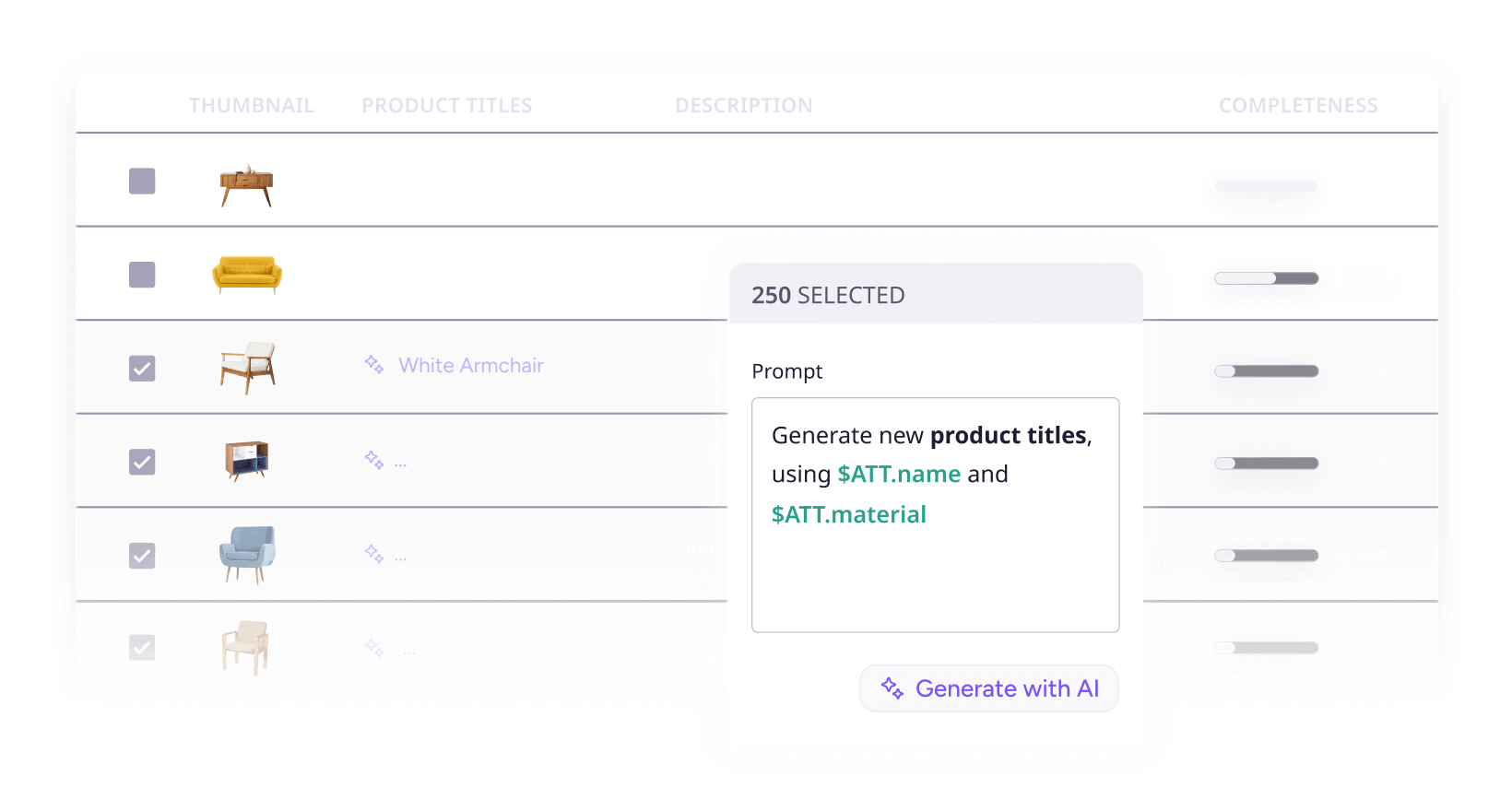
Let AI autofill, translate, and optimize your content
Upscale, resize, rename, and auto-format images

Generate high-quality feed templates for WooCommerce


The best tool for managing WooCommerce product content

AI that knows your brand

Built for team collaboration

Free to use, made for growth
Top 5 things customers love about Plytix
1. Extremely user-friendly

Scott Lee
Ecommerce Merchandising & Operations Manager, Maven Lane

2. Incredible customer support

Fanny Brin
Head of Ecommerce, El Machetazo
3. Robust AI tools

Natália Filpi
Digital Merchandising Specialist, Smart Age Solutions
4. All the features you need

Mihail M.
Graphic Designer at Al Fakher Holding USA
5. Fair pricing

Matthew Freeman
VP of Marketing at Tie Down
Turn your product content into your growth engine
FAQs
You can publish products to WooCommerce by creating a custom channel in Plytix. Start by uploading the WooCommerce template that includes the required fields for your product type. Then, map your Plytix attributes to the WooCommerce fields in the correct order. Once everything is mapped, select the products you want to export and process your channel to generate a ready file or a shareable feed URL. Upload the file to your WooCommerce store or use the feed URL with a compatible partner tool for automatic updates. Your products will then be live in WooCommerce without any manual formatting or spreadsheet work.
Absolutely, you can create as many WooCommerce feed templates as needed, one for each storefront or market. Each channel can have its own list of products, language, pricing, attribute mapping, and content rules. Update your content in Plytix and generate separate files without repeating work.
Yes! Plytix makes managing variants simple. Any updates you make to a parent product automatically flow down to its variants, so you never have to manually copy and paste changes across multiple products again.
Plytix also supports three-level product structures, so you have full control over how information is shared across those levels. Whether you’re managing sizes, colors, or patterns, you can decide what stays inherited from the parent and what can be customized, saving you time and keeping your store organized and consistent.
Yes, Plytix makes sure your listings are ready through completeness attributes. You can flag missing fields, correct errors, and ensure that only fully complete products are sent to your store before they’re live (no more “oops” moments). On top of that, you can schedule updates so that any changes made to your products are instantly reflected in your store. This way, your product data stays consistent and up-to-date.
Think of Plytix AI as your personal content expert that knows your products. It’s trained using the best LLM for product content optimization and works directly in the context of your products. It references the content you already have, so there’s no need for manual exports, copy-pasting, or juggling multiple spreadsheets. Using this data, Plytix AI generates content from scratch, optimizes listings for SEO/AEO, and suggests improvements tailored to specific audiences or sales channels, all while staying consistent with your brand’s tone of voice.
And it doesn’t stop at text: Plytix AI also edits and enhances your product images, so they look polished across your store. With one tool, you can create, optimize, and scale high-quality product content for multiple products at once, saving hours of manual work to create listings that are actually made to sell.
We keep pricing simple and affordable (no surprises). With Plytix, you only pay for what you need. There are no hidden fees and no extra cost per user. To see what each plan includes and find the best fit for your workflow, check out our pricing page.