
Digital Asset Management
Here your files aren’t just stored.
They’re linked with your products.
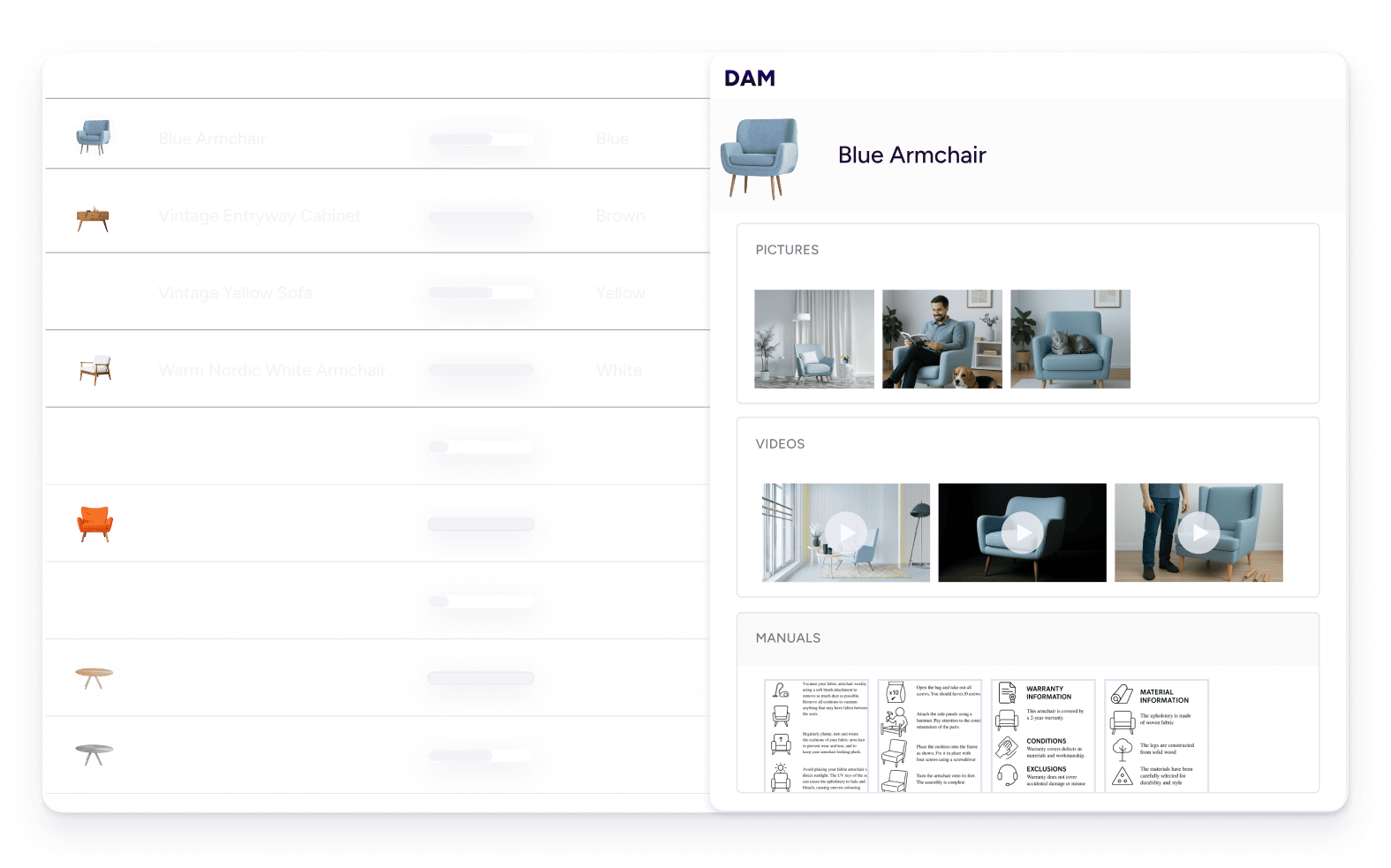












Your files, in sync with your products.
Your digital media is always synced with your products. No more broken links or duplicate versions.
Let designers actually design.
Stop pulling your creative team into everyday file fixes. Plytix AI handles the small stuff, so your designers can focus on what they do best.
Market-ready. Always.
Your digital media automatically fits every sales channel’s specs, so you don’t need to keep duplicate versions of the same file.
Eliminate time drain
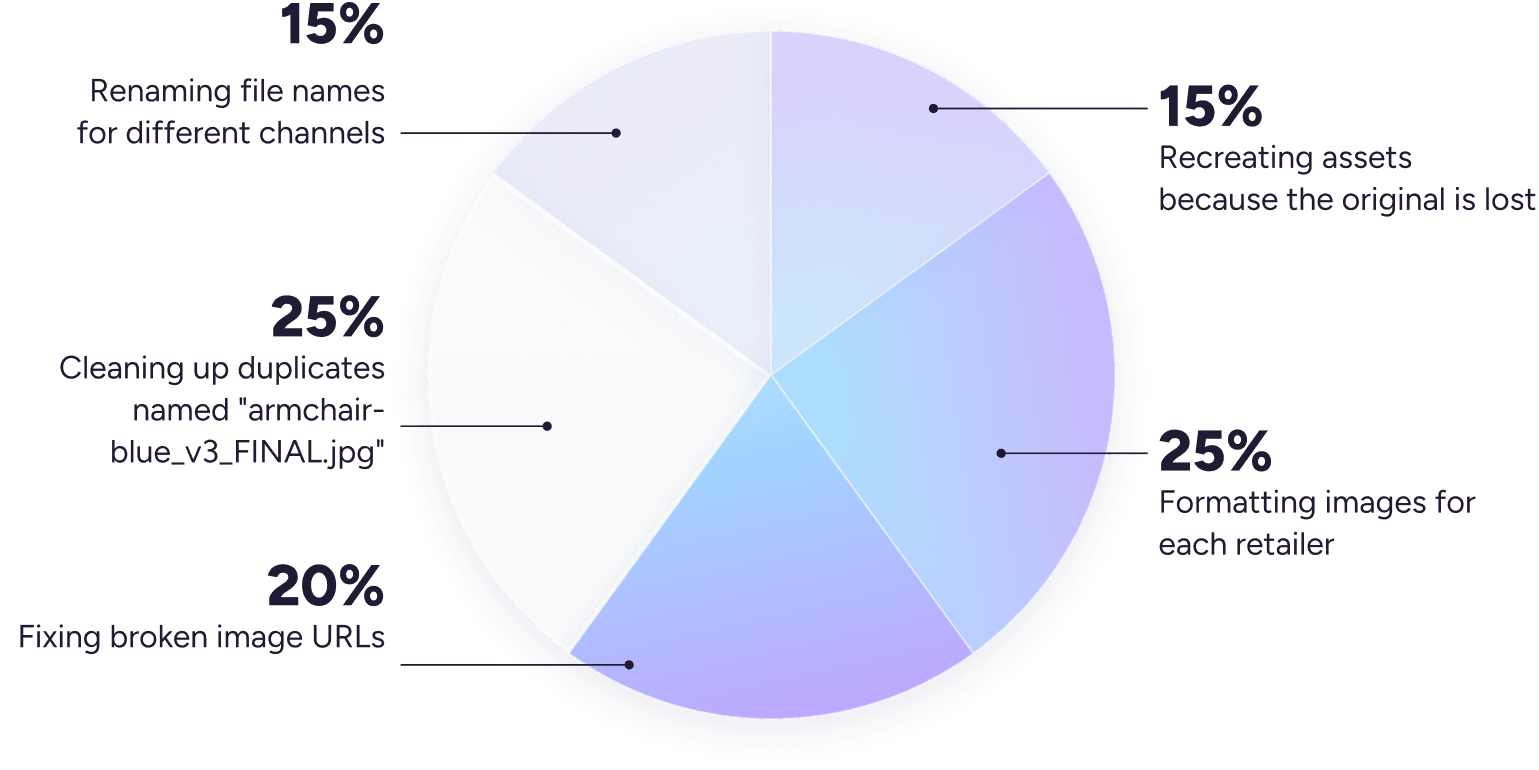
What’s your time drain? Let’s find out.
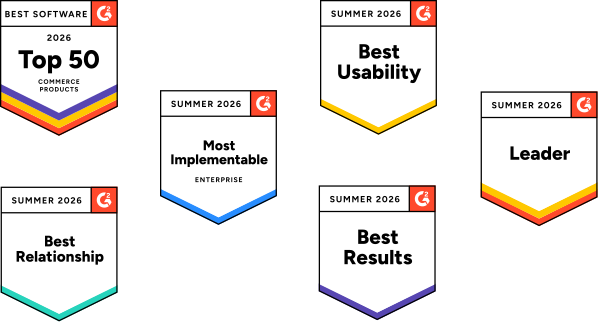
Ranked #6 in G2'sBest Commerce Software Awards 2025
See full report from G2Explore the platform at your own speed
Organize your assets by lists and categories for easy management

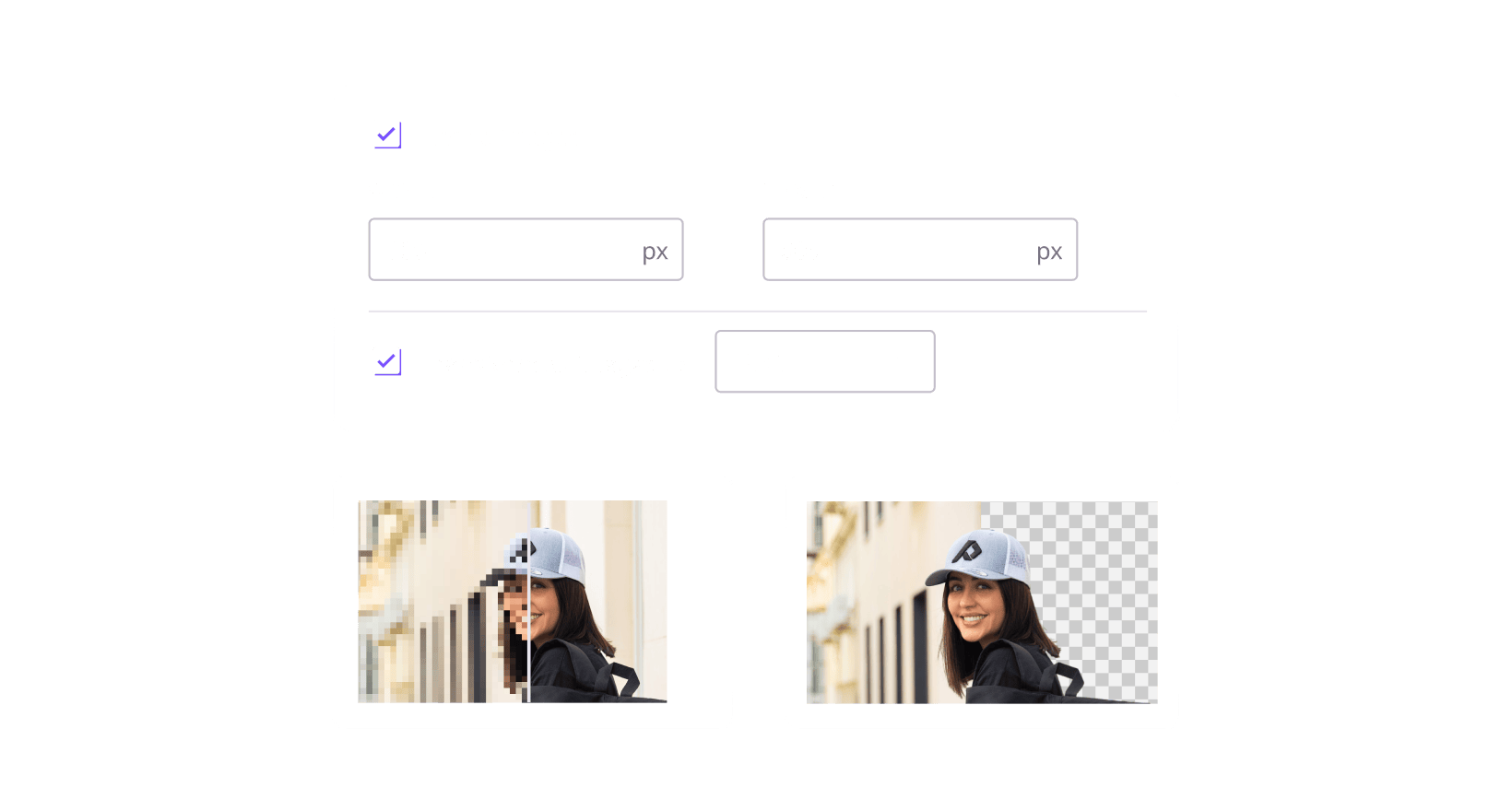
Format your images without creating duplicates
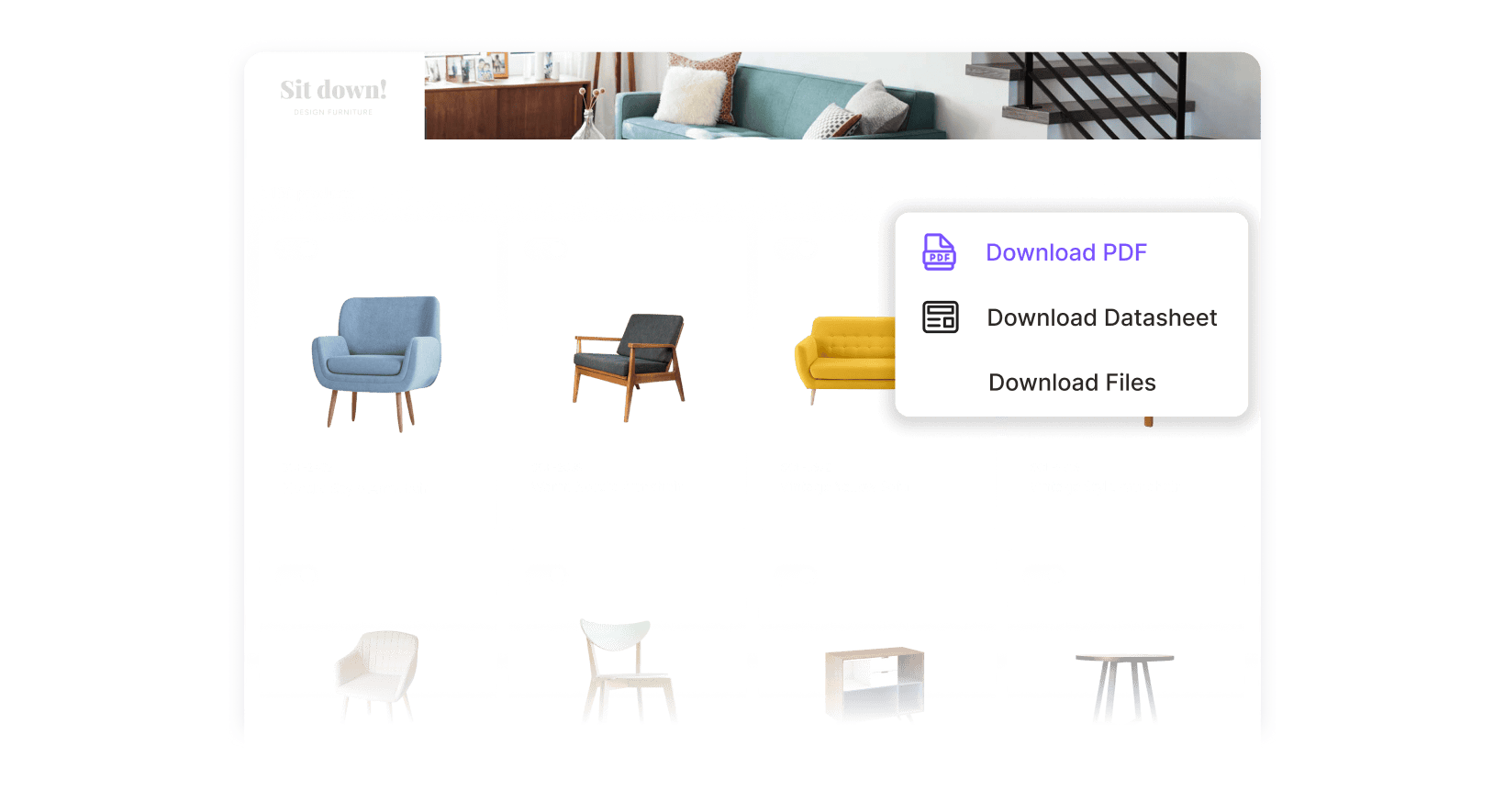
Easily share files with your retail partners
See all features

Intuitive and user-friendly

Unlimited users, free access

All you need for $0
Top 5 things customers love about Plytix
1. All the features you need

Mihail M.
Graphic Designer at Al Fakher Holding USA

2. No drawn-out onboarding, just value

Jessica Hippensteal
Ecommerce Specialist, Rite in the Rain
3. The most user-friendly

Ciara Finn
Director of Ecommerce, Wholesome Goods
4. Incredible customer care

Lars Sorensen
Founder and Owner, Danfoss Fire Safety
5. Fair pricing

Matthew Freeman
VP of Marketing at Tie Down
Finally, a powerful DAM that won't break the bank
Standard
0
/mo
Pro
499
/mo
Enterprise
Custom
Big decisions deserve real conversations. We’re here to help you make the right call.
FAQs
Dropbox and Google Drive are fine for storing files. But you still have to track which image goes with which product, manage multiple versions for different sizes or formats, and bother your design team for simple edits.
With Plytix DAM, your media files aren’t just stored. They’re organized, linked to products, enhanced with a built-in AI, and automatically formatted to every sales channel. All in the context of your product content, and without duplicates.
There are multiple ways of uploading or importing assets to Plytix’s DAM. Just choose the method that works for you:
- Drag and drop your files directly into your account.
- Upload a CSV file to add your assets alongside your product data.
- Use our open REST API to pull assets from another platform or tool.
Depending on the plan you choose, you can get up to 1TB of file storage, which gives you plenty of space and freedom to store and distribute all your assets.
Plytix DAM lets you store most file types available, including images, videos, audios, PDFs, and more. If you have a specific format in mind, check out this page to see if it’s supported.
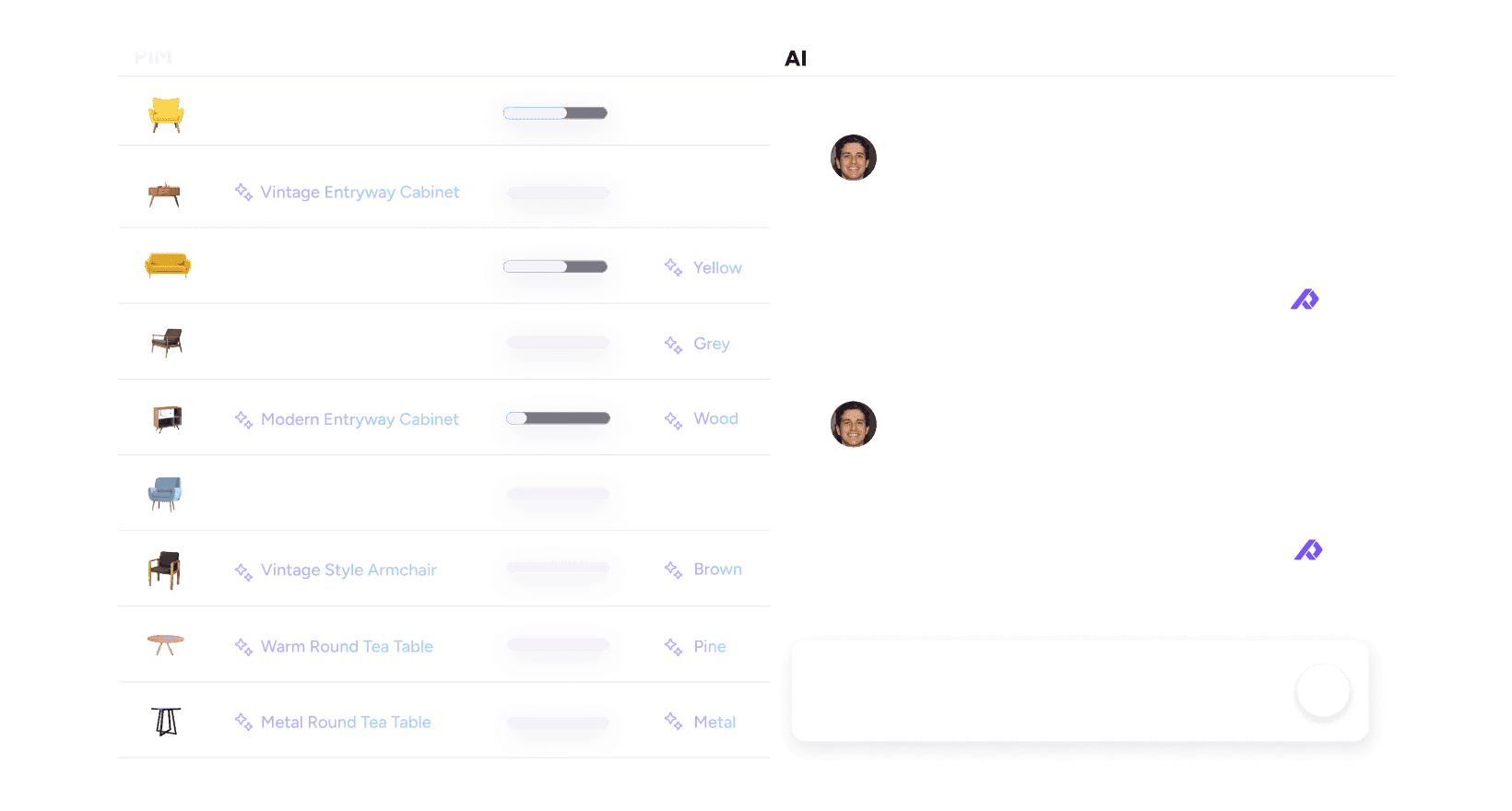
Nope. Plytix handles both text and media files in the same place. Resize, remove backgrounds, and upscale images inside the same tool. No more juggling between design systems, spreadsheets, and isolated folders.
Usually, designers and photographers take care of uploading and organizing digital media, but they’re not the only ones using them. Sales, Marketing, and Ecommerce teams all need those same files fast, so your whole team should be able to access them without waiting for the latest version.
Yes! You can resize, remove backgrounds, and upscale images with AI, all within Plytix DAM.
Absolutely, what good is it just to have your files stored away when they’re meant to be shared? Here are just a few ways to distribute your files with Plytix DAM:
- Exporting them manually from your Assets page
- Sharing their URL so they’re easily accessible without downloading a file
- Adding them to feeds so they’re distributed to your retail partners or webshops
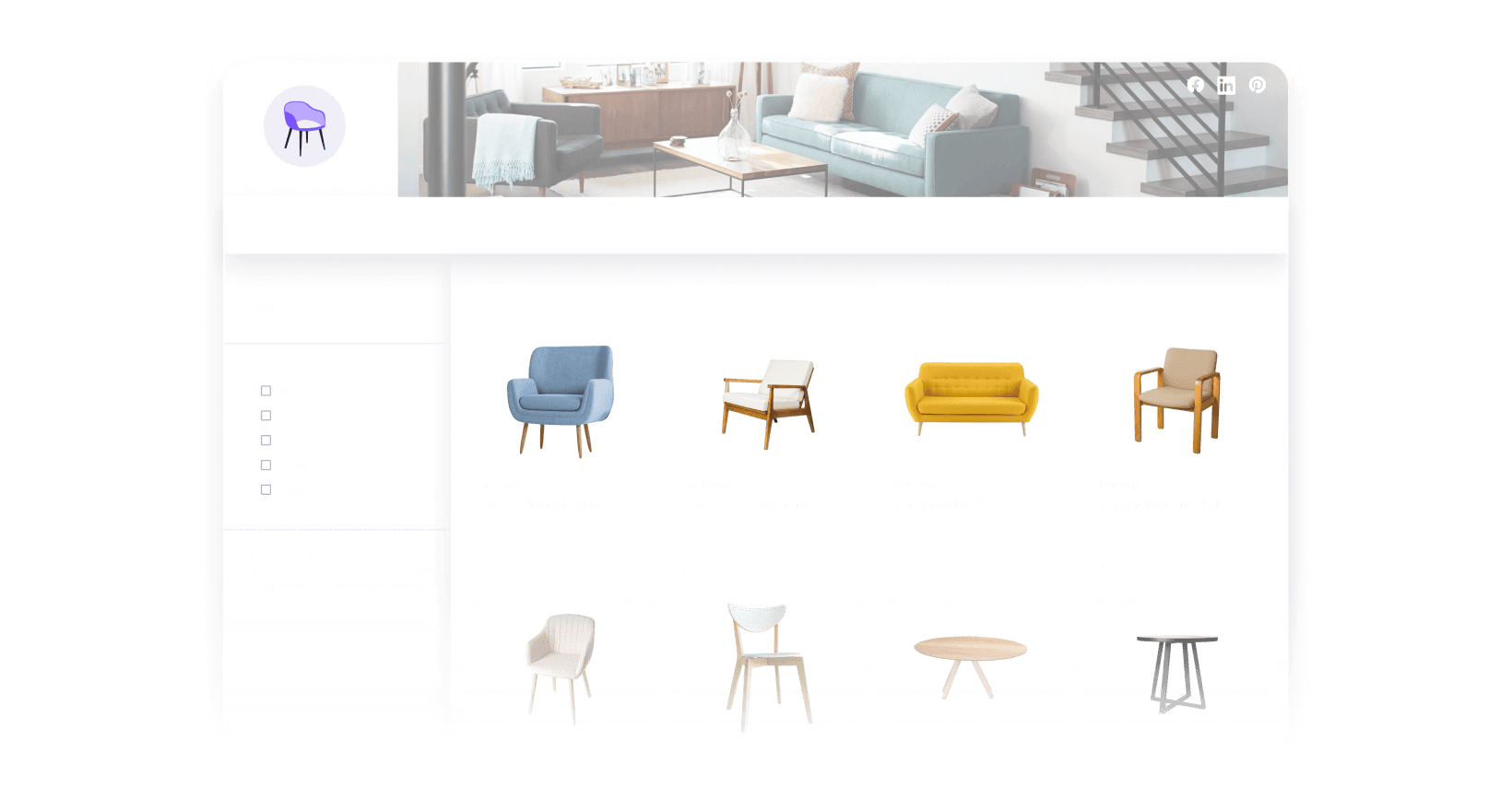
- Showcasing them in Brand Portals for trade shows, online catalogs on your website, or special sales
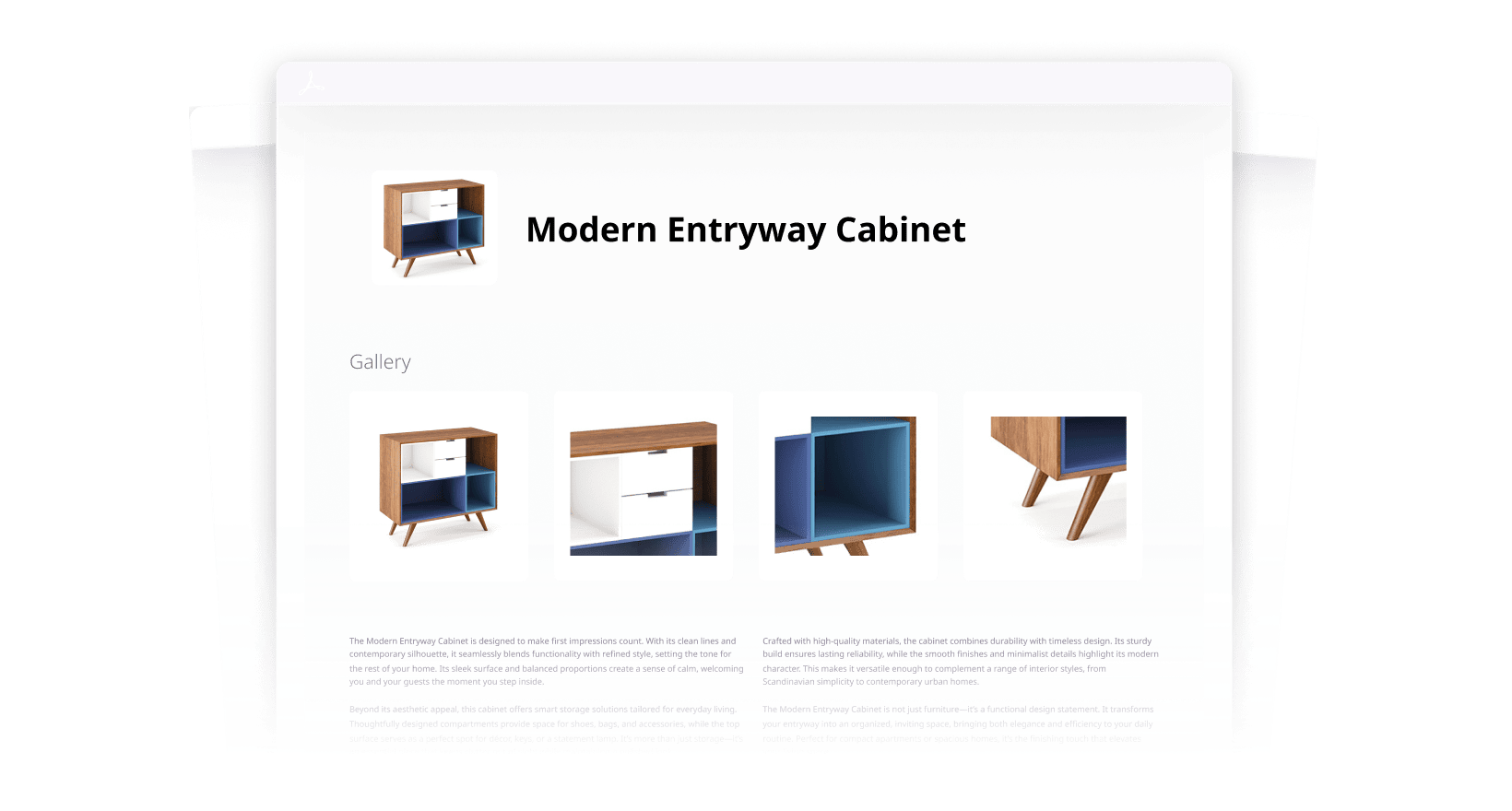
- Creating custom PDFs with your branding and media