
No more manual uploads or messy spreadsheets. Your product info stays synced across every store.
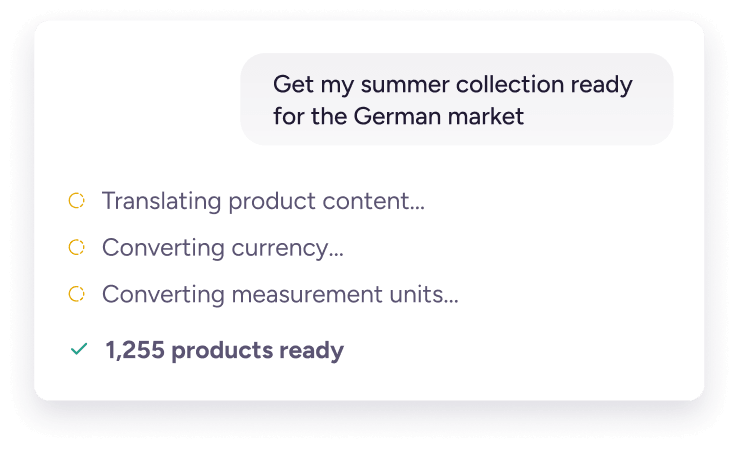
Launch new products and expand to new markets faster with built-in AI and localization tools.
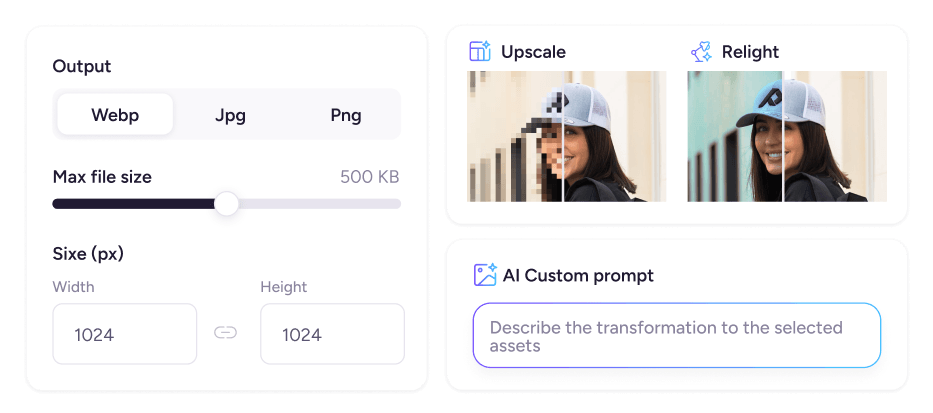
Create and optimize copy and images in bulk for better SEO and AEO rankings and discoverability.


Shopify is built to sell your products. Plytix is built to manage the product content behind them.
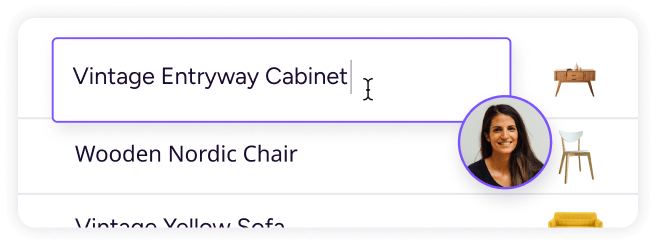
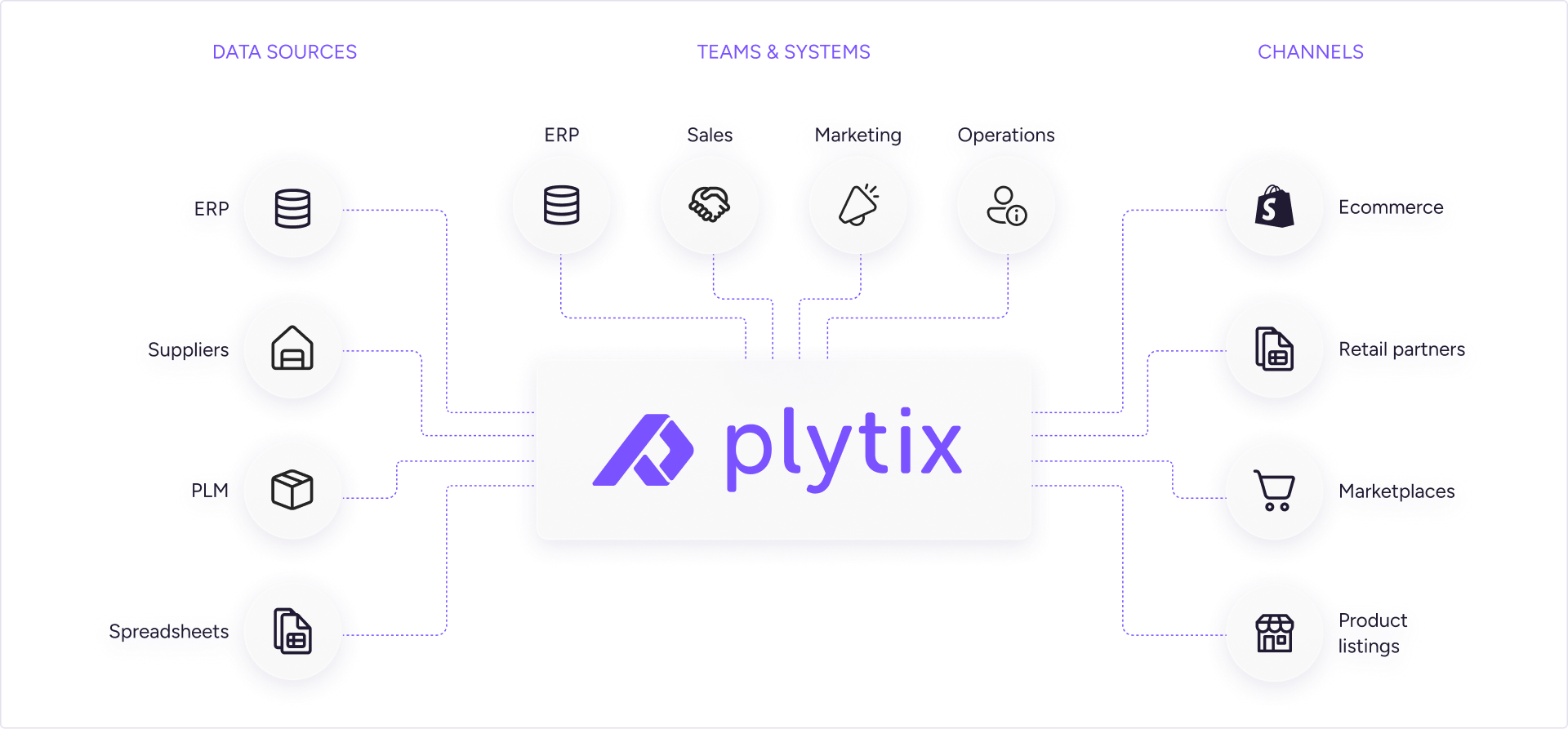
With Plytix, you get one place to create, enrich, and update product content, then sync it to Shopify and your other sales channels. You can edit products in bulk, use AI to create and improve content, and see what’s missing before it reaches your store.
You can bring your Shopify catalog into Plytix with the Shopify Magic Importer. It pulls in your products, attributes, metafields, assets, and parent-variant relationships, so you don’t have to rebuild your catalog from scratch.
Once your data is in Plytix, you can clean it up, fill in the gaps, and enrich it in bulk. Then sync the improved content back to Shopify.
Plytix treats Shopify metafields like any other product attribute. You can view, edit, and update them in bulk across your catalog.
Map existing metafields to Plytix attributes, or create new metafields from Plytix without going back into Shopify settings. Plytix supports both product and variant metafields.
Make your changes once, and Plytix syncs them to your connected Shopify stores.
Plytix supports the metafield types most stores rely on:
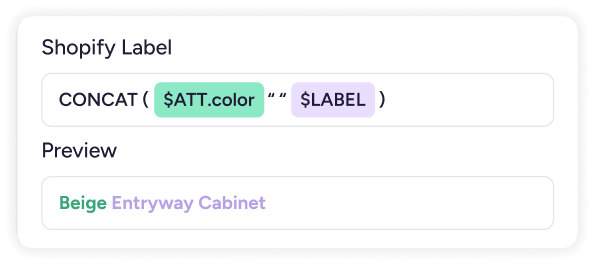
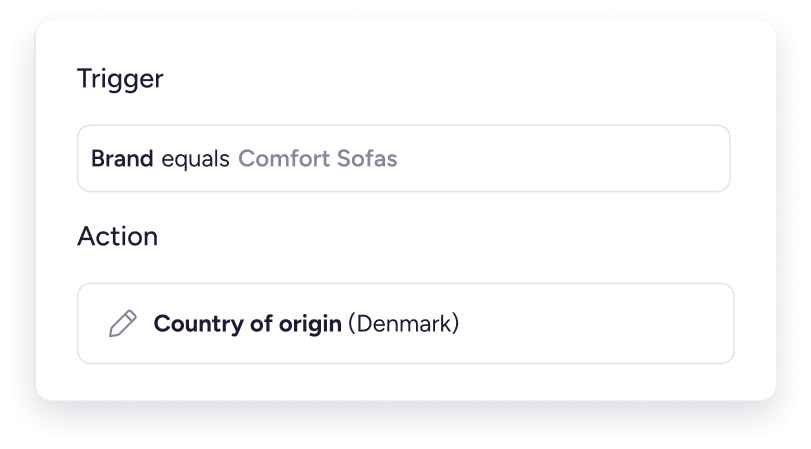
You can also use formula attributes to transform your data before it reaches a metafield.
Metaobjects work differently in Shopify and aren’t synced directly. If your store relies on them, book a discovery call with a Plytix specialist to walk through your setup.
Plytix is a Shopify app, so you can connect your Shopify store directly from the Shopify App Store. Once connected, Plytix syncs your product content between the two systems.
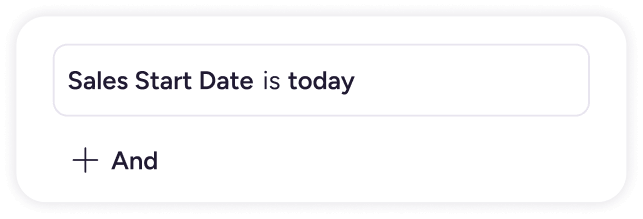
Make your product updates in Plytix, then sync them to Shopify when you’re ready or schedule updates to run automatically. There’s no middleware or third-party connector to set up.
Yes. Plytix syncs the product content you need to run your Shopify store. That includes:
You manage your product content in Plytix, then sync it to Shopify when you’re ready. No need to maintain the same product information in both systems.
Yes. Connect your Shopify stores and markets to Plytix and manage them from one workspace.
Update a product once and push the change to the stores that need it. You can also manage translations and market-specific content, so each region gets the right product information.
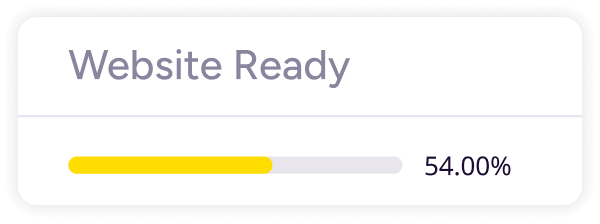
Yes. Our completeness tracking feature shows you what’s missing before a product reaches your store.
See which products need attention, fix missing information in bulk, and send complete product content to Shopify. Your customers get finished listings, not half-built ones.
Plytix is designed to be your system of record, so you manage your product content in Plytix and sync it to Shopify.
If your team makes changes directly in Shopify, you can pull the current Shopify data into Plytix using the Download store data option. From there, Plytix stays your system of record, keeping your product content consistent across your store.
The Shopify connector is included at no extra cost for smaller catalogs. As your catalog grows, the connector becomes an add-on to your plan.
Your Plytix plan and Shopify connector cost are both based on the size of your catalog, so you can start small and add what you need as your business grows.
Check out our pricing to see what Shopify plan is best for you.
Yes. Plytix lets you manage product content for Shopify and your other sales channels from one place.
Send your product content to Amazon, Google Shopping, Walmart, and other marketplaces, retailers, and channels, with each one getting the format it needs.
Yes. Every customer can start with a free pilot, with no time limit. Take the time you need to bring in your product data, see how Plytix fits your workflow, and make an informed decision before you buy.
For smaller catalogs, you can also use the Standard plan at 0. As your catalog grows, your price is based on the number of SKUs you manage, so you only pay for the catalog you have.
Try out Plytix for yourself.
Ask Rachel.
Rachel is Plytix’s AI assistant, available 24/7 to answer questions about features, plans, integrations, and anything else you want to know about Plytix.
You can find Rachel in the bottom-right corner of our website.
You are currently viewing a placeholder content from Google Maps. To access the actual content, click the button below. Please note that doing so will share data with third-party providers.
More InformationYou are currently viewing a placeholder content from OpenStreetMap. To access the actual content, click the button below. Please note that doing so will share data with third-party providers.
More InformationYou are currently viewing a placeholder content from Facebook. To access the actual content, click the button below. Please note that doing so will share data with third-party providers.
More Information