
Product Information Management (PIM)
Managing your product content and digital assets is just easier when using Plytix PIM software.
Get started
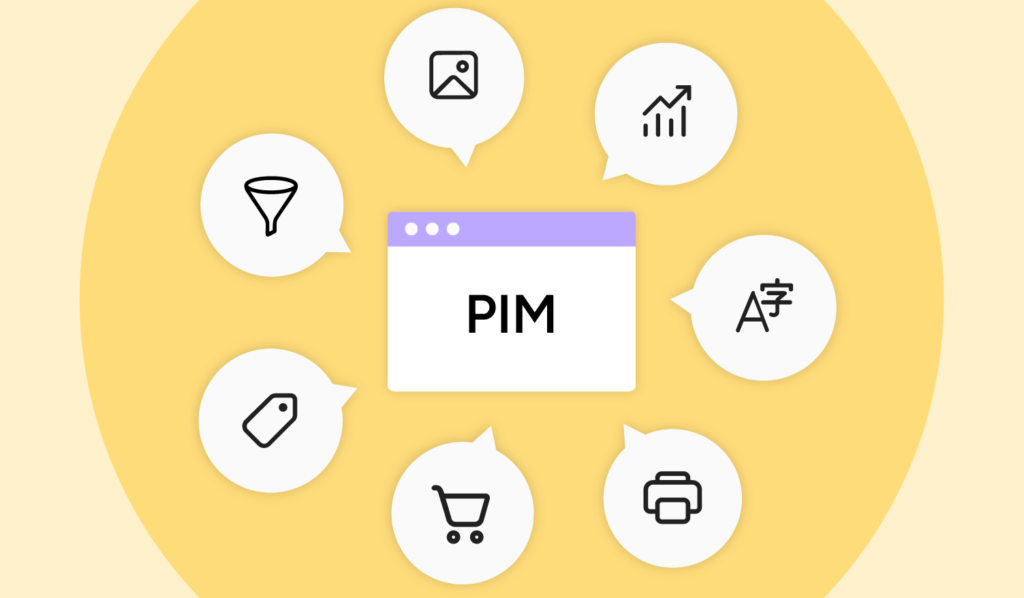
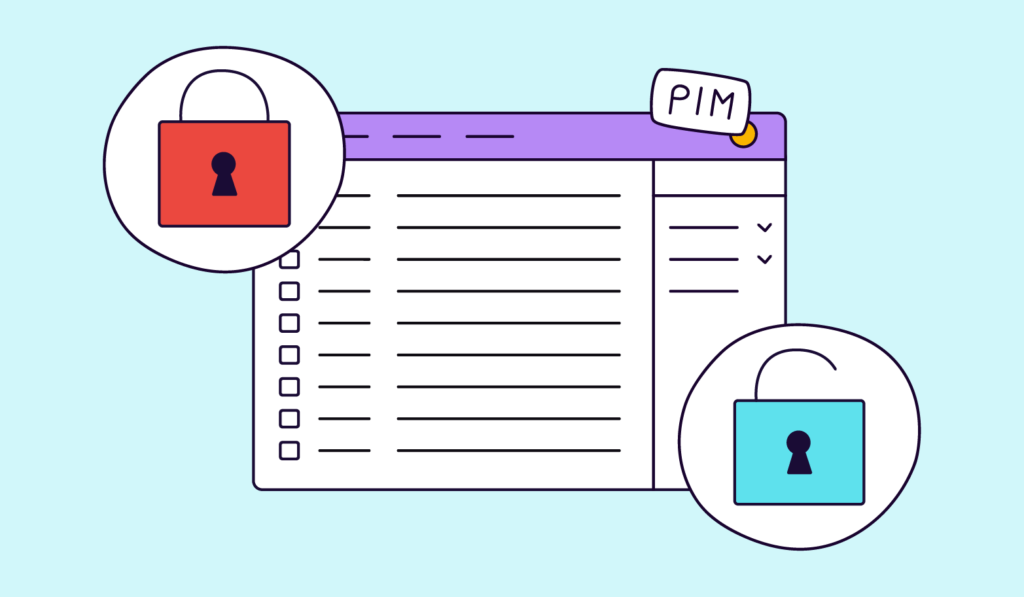
What is PIM?
Why product information management matters
Better product data means faster launches, fewer errors, and more sales.
Launch products faster
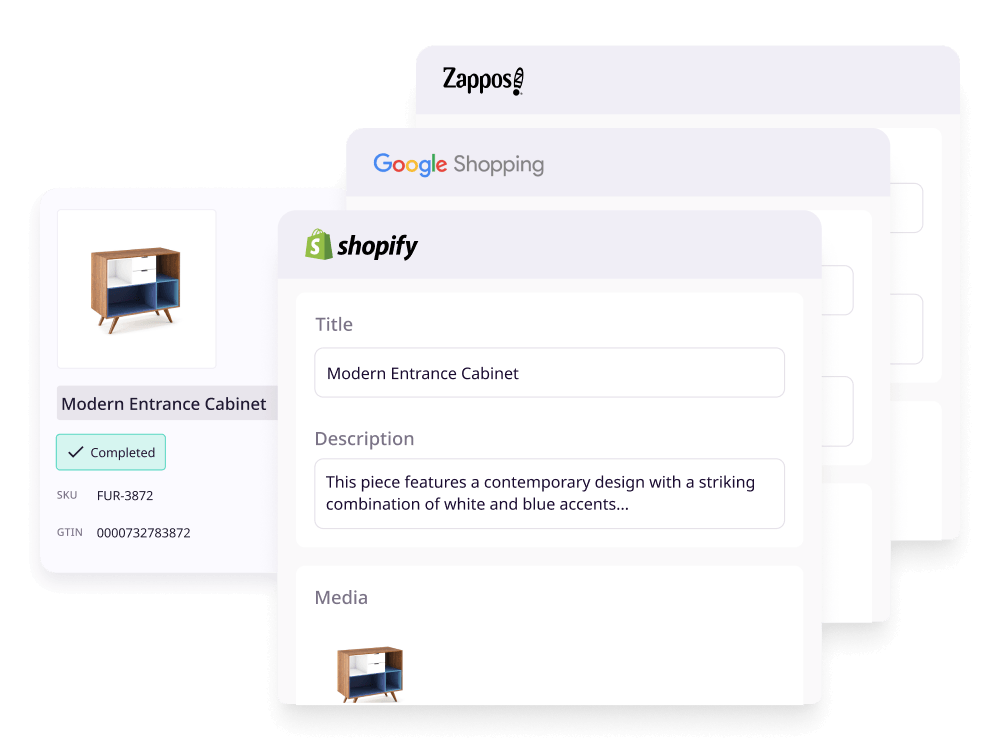
Getting a new product live used to mean updating every channel manually. With a PIM, you update once and push everywhere, cutting launch time from days to hours.
Sell more
Shoppers abandon products with incomplete or inconsistent information. Complete, accurate product content gives buyers the confidence to purchase.
Fewer returns
Most product returns come down to unmet expectations: wrong size, missing specs, misleading images. PIM makes sure the information customers see matches what they receive.
Sell on more channels
Expanding to a new channel (a marketplace, a retailer, a new country) normally means reformatting all your product data from scratch. PIM keeps that data channel-ready so you can expand without doubling your workload.
How does PIM software work?
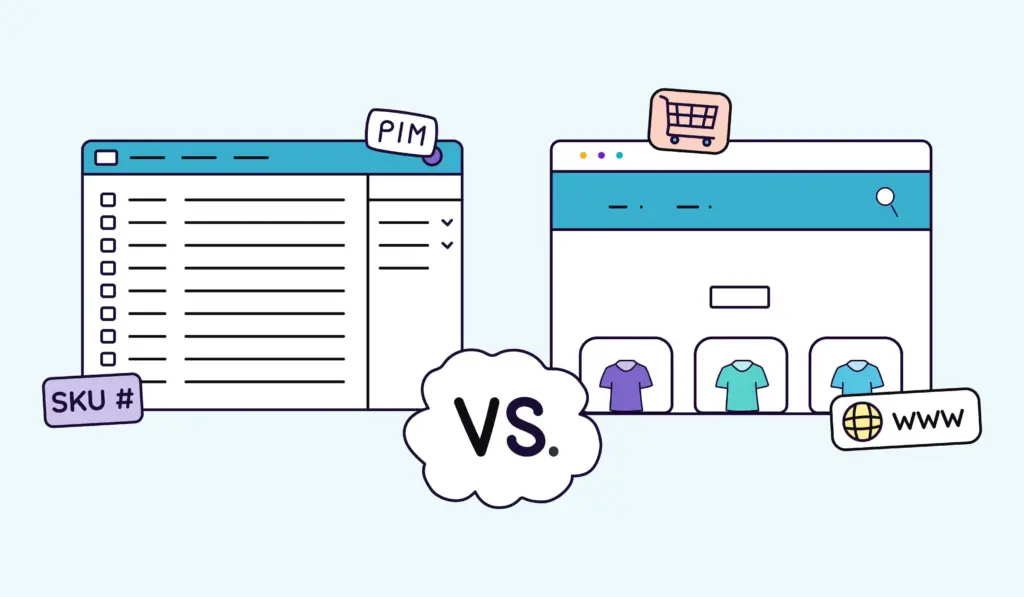
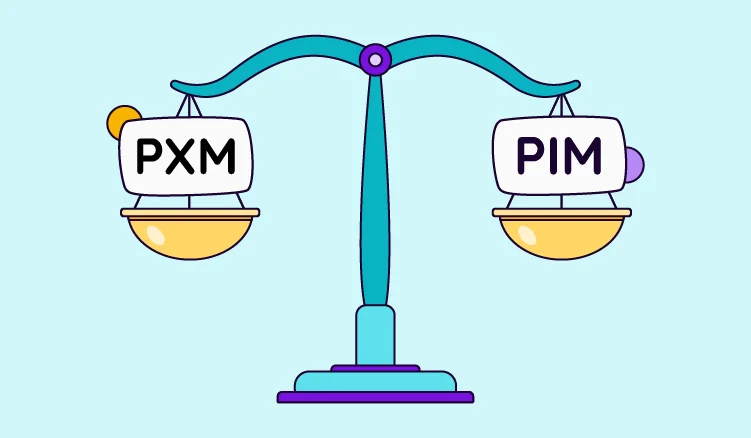
How does PIM compare to similar tools?
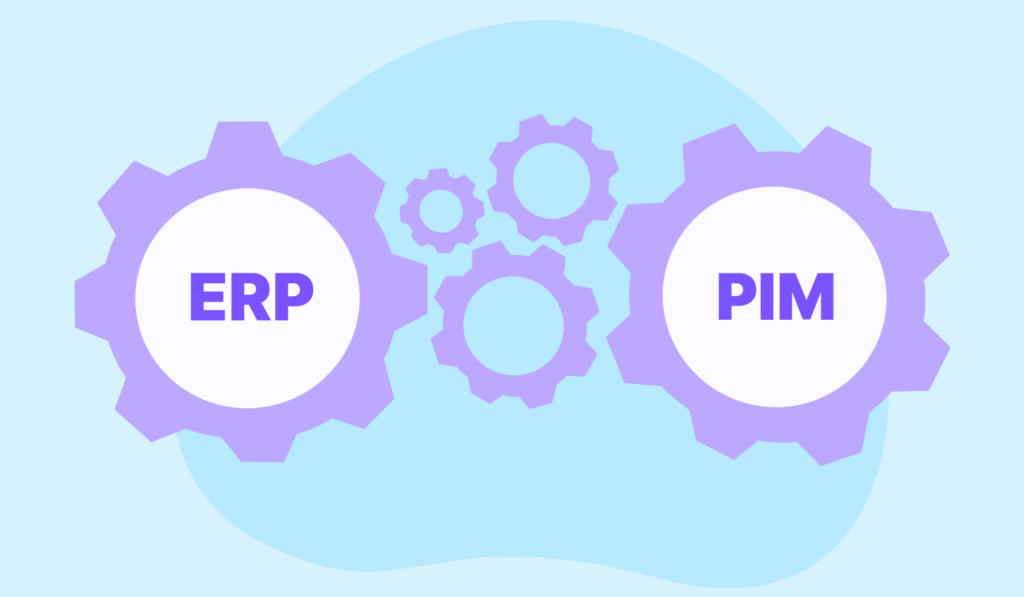
PIM is often confused with tools that overlap with it. Here's how it compares.
Want to learn more about how PIM works?
What are the benefits of using PIM software?

Central source of truth
PIM tools keep your product information and digital assets in one place because it’s easier when everything works together. No more asking which spreadsheet is actually the final version.


Better team collaboration, better workflow
A PIM solution is more than just a database for product information. Most PIM software has built-in project management functionalities and can bring the entire organization together in one platform designed for team collaboration.


No missing data and fewer mistakes
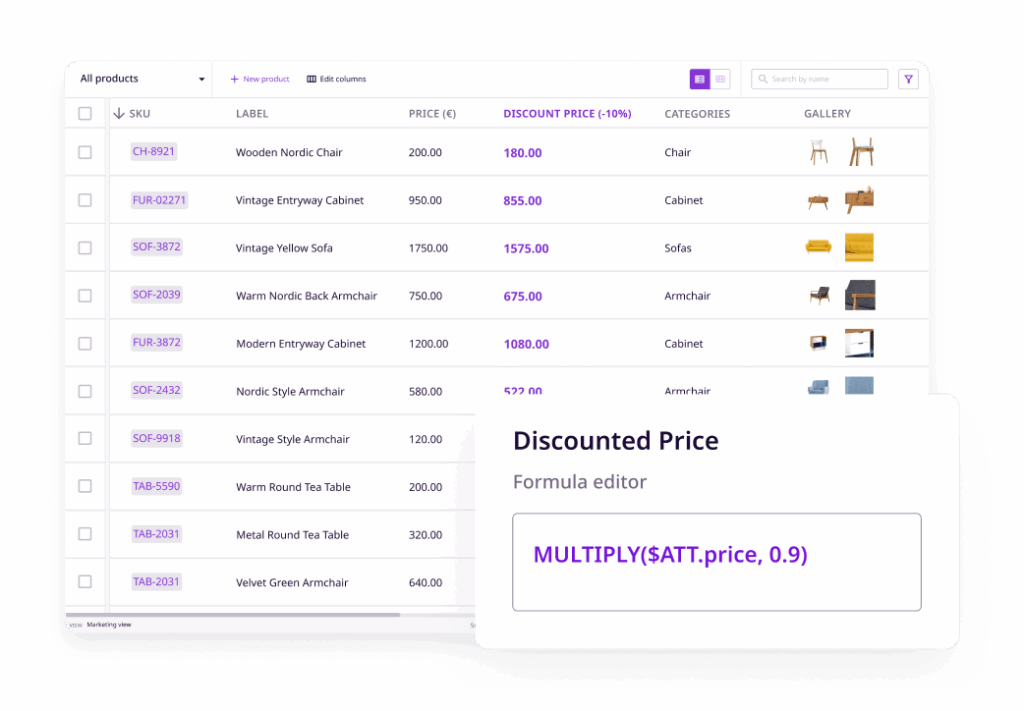
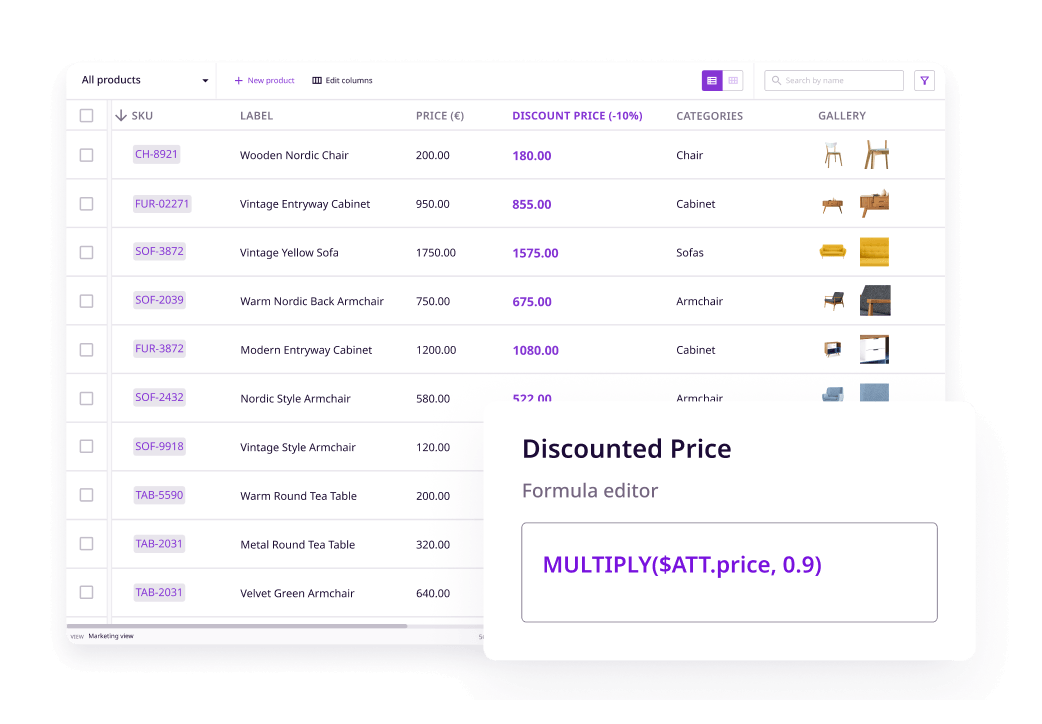
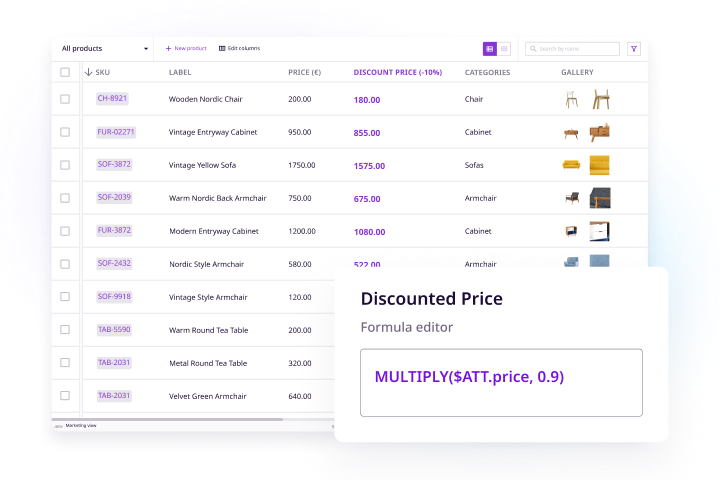
Keeping up with the requirements of your different sales channels, partners, and customers can be challenging. With computed attributes, you can use formulas to create discounts, change formats, and more all in one go.

Designed to help companies sell more
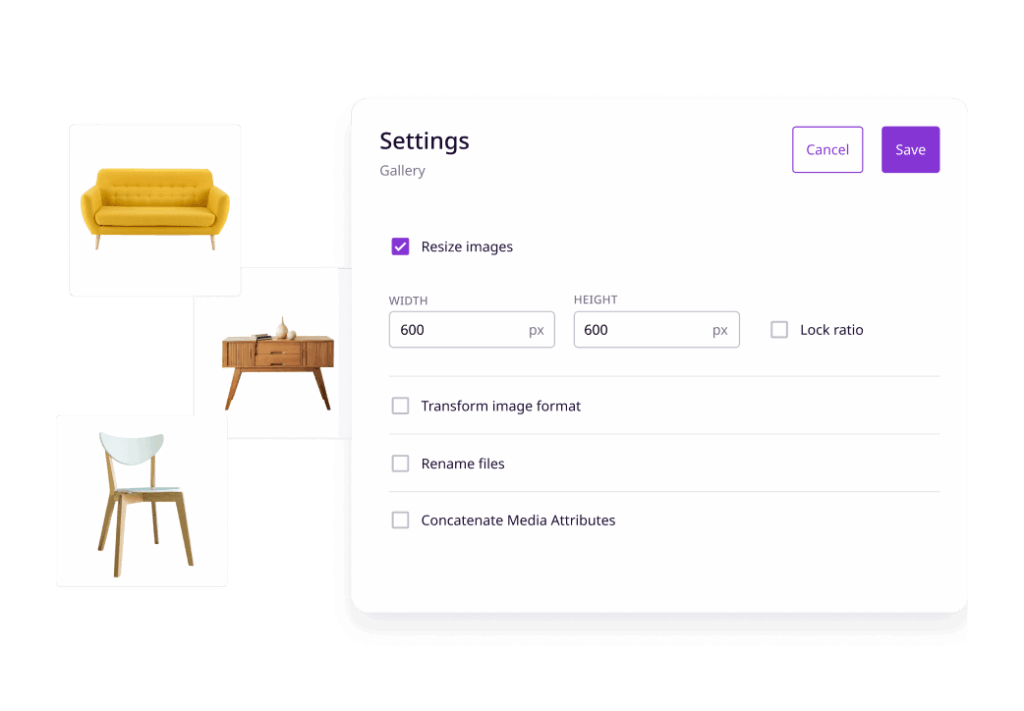
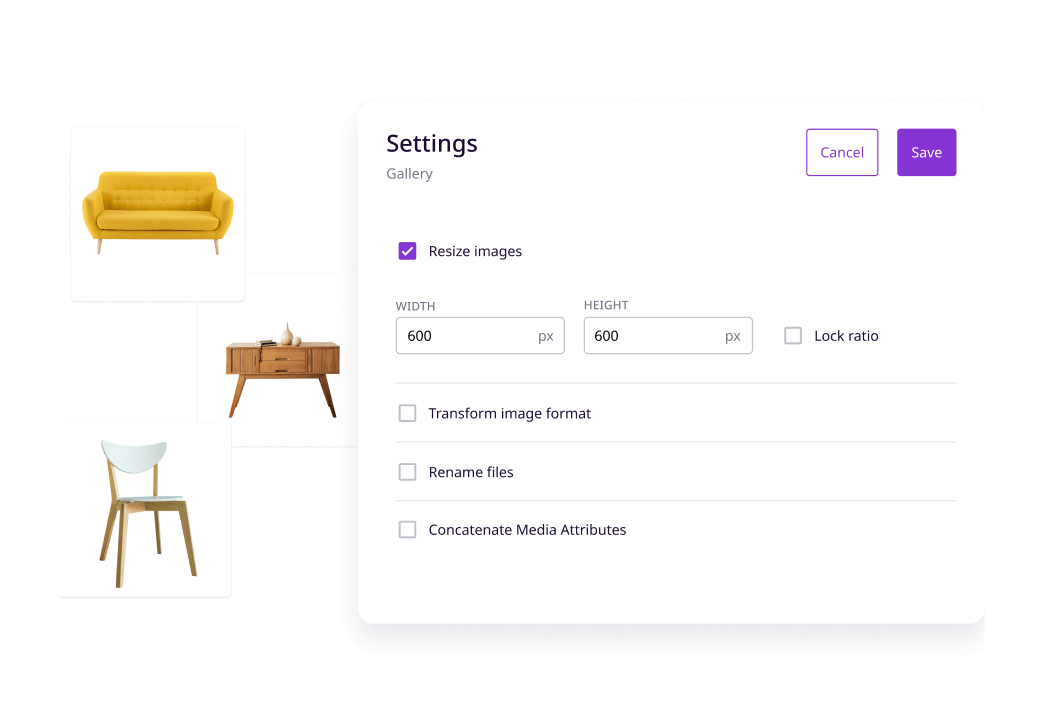
A PIM solution allows companies to create optimized product content that automatically gets sent to any connected sales channel, reducing time to market. A good PIM will even resize your images to match the requirements of the destination.


What data can you store in a PIM?
A PIM system is designed to hold every type of information related to your products. That typically includes:
Basic product data
Names, SKUs, descriptions, categories, and any other core identifiers your team and your channels rely on.
Technical specifications
Dimensions, weight, materials, certifications, compatibility, and any product-specific attributes that vary by industry or category.
Digital assets
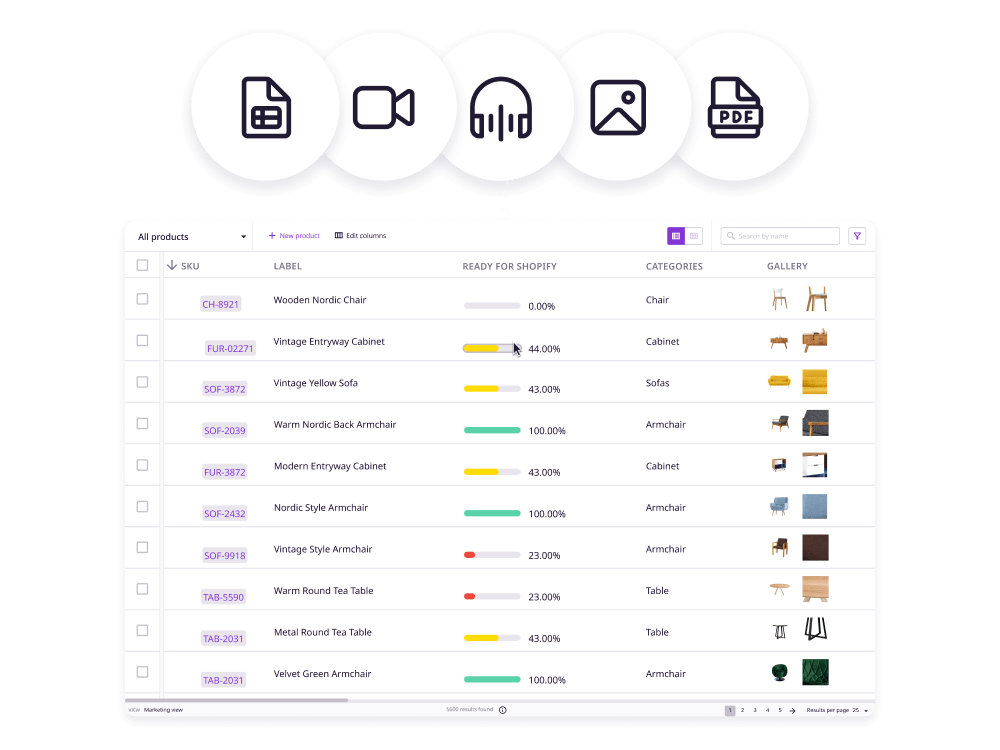
Images, videos, PDFs, 3D files, and any other media linked directly to the products they belong to.
Marketing and channel content
Ad copy, SEO titles, bullet points, and channel-specific descriptions tailored to where the product is being sold.
Pricing and commercial data
MSRP, regional pricing, promotional discounts, and any commercial terms that need to stay consistent across channels.
Relationship data
Product variants, accessories, related items, and bundle configurations that connect products to each other.
Who uses PIM
PIM isn't just a tool for one team. Once it's in place, it becomes the system everyone relies on for product information.
Marketing teams
Create and manage product content for every channel without chasing down specs or assets from other teams. Everything they need is already in one place.
Ecommerce teams
Send product data to marketplaces, webstores, and retail partners automatically. No more manual exports or one-off formatting jobs per channel.
Sales teams
Go into every conversation with accurate, up-to-date product information. Pull specs, pricing, and assets directly from the PIM instead of digging through email threads.
Product and merchandising teams
Own the taxonomy, manage attributes, and keep the catalog structured as it grows. PIM gives them the tools to set the rules, not just follow them.
Operations and supply chain teams
Bring in supplier data, validate it against your standards, and keep incoming product information clean before it reaches your channels.
Compliance teams
Store and manage regulatory attributes, safety certifications, and market-specific requirements alongside the rest of your product data.
We’ve seen businesses double their sales after adopting PIM.
What features should you expect from PIM software?
Product data management
Media asset linking
Importing options
Product data enrichment
Custom attribute creation
Category creation
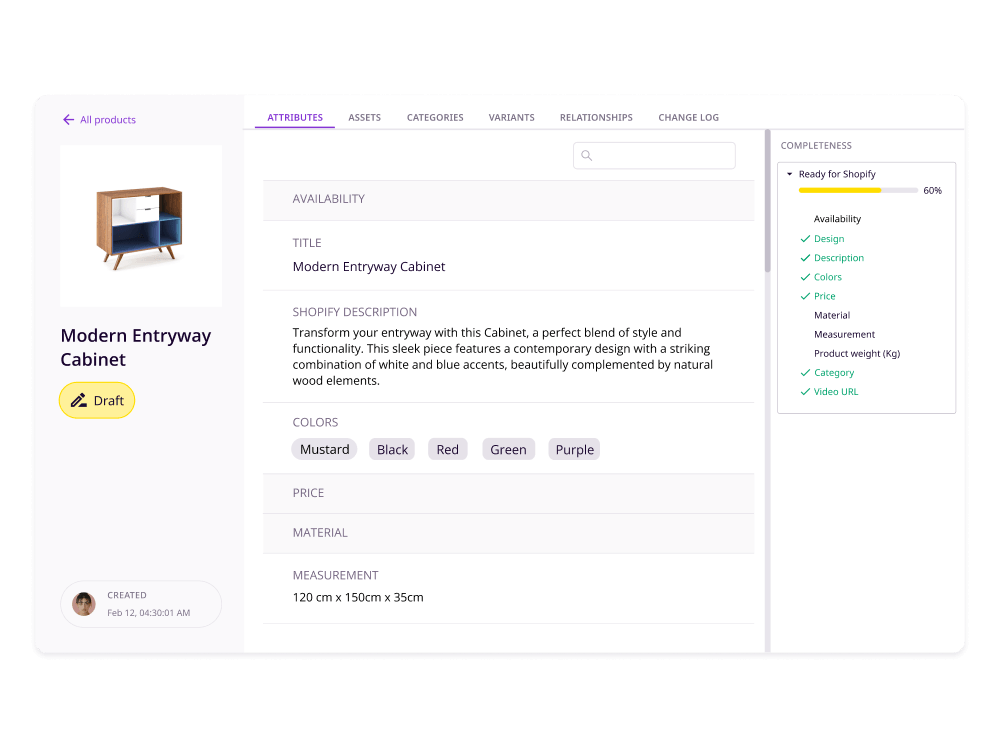
Completion tracking
Product data transformation
Filtering options
Data validation
Product data syndication
Product catalog creation
Want to see the features behind the results?
Plytix PIM features that customers love
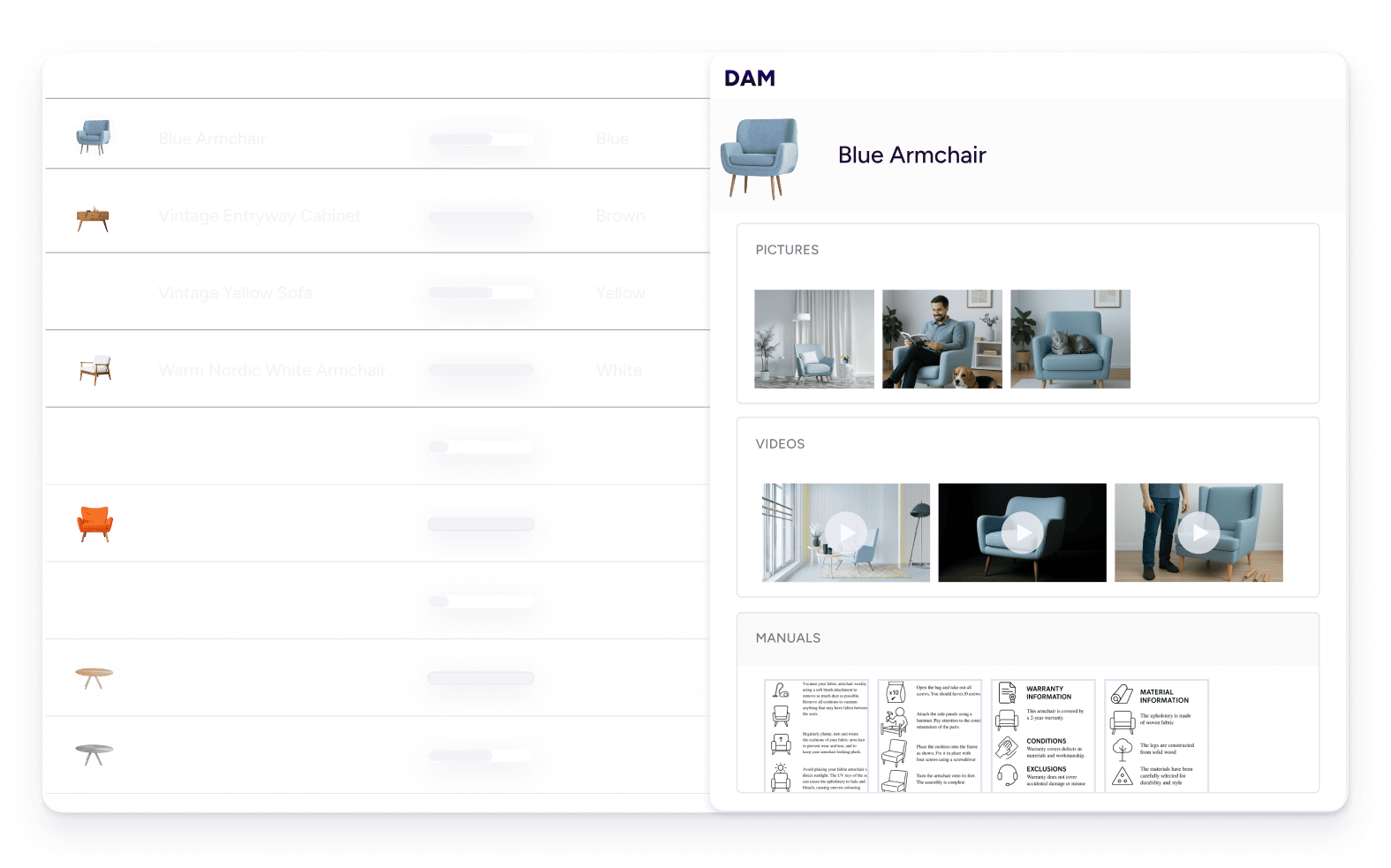
PIM DAM integration
A feature for your digital asset management
Because a PIM solution with DAM keeps all your assets where they belong—with your products. And let’s be honest, it’s just easier when your products and their photos, videos, and PDFs are all in one place.
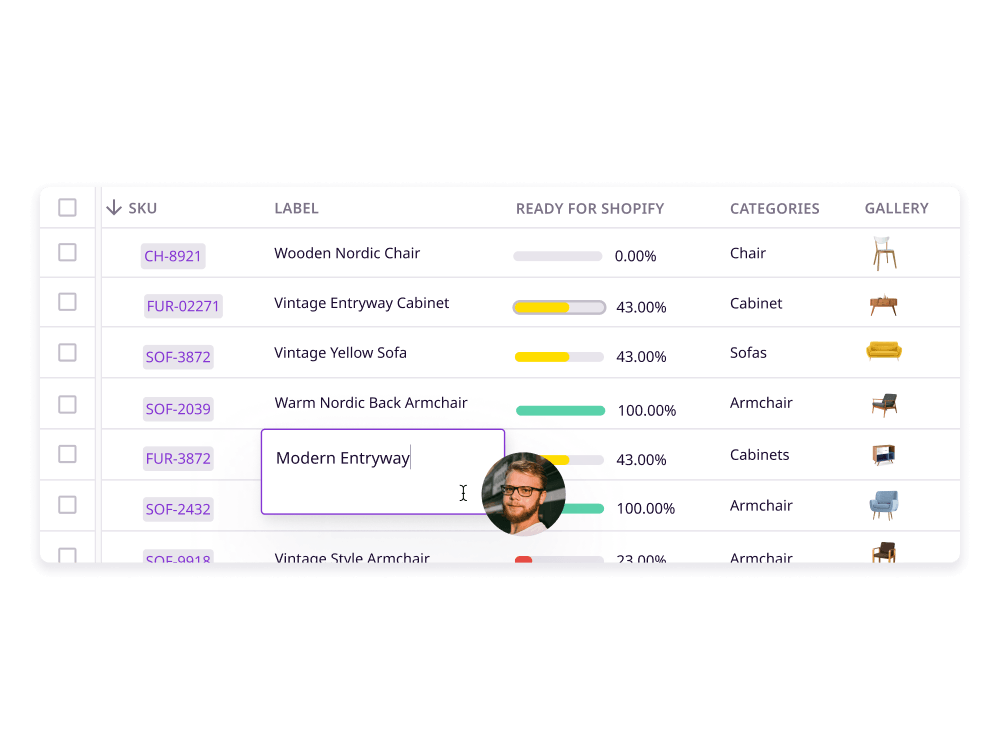
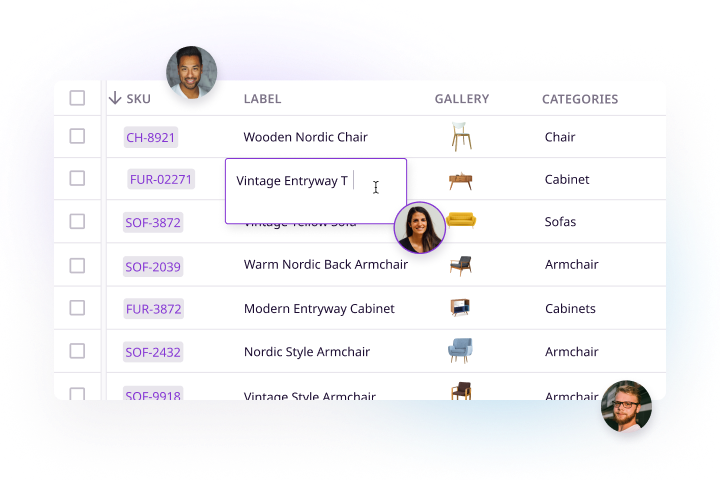
Direct editing
AI product description generator
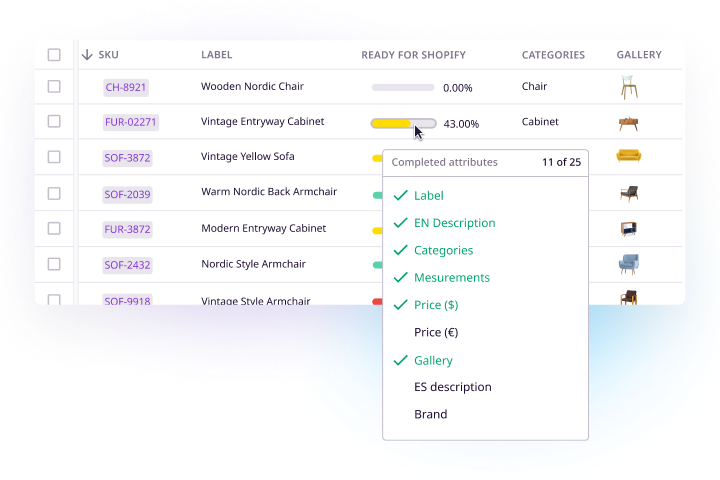
Product completion tracking
Computed attributes
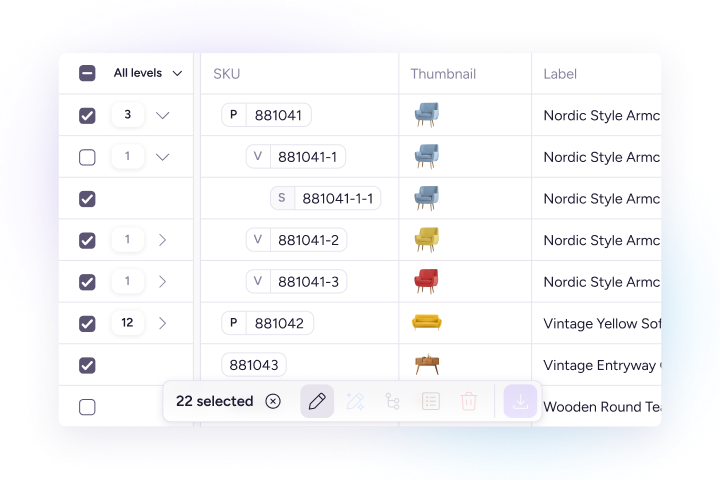
Bulk-editing
Thinking about trying Plytix?
What are the different use cases for a PIM tool?

PIM for Retail
PIM for Manufacturers
PIM for Distributors

How to implement a PIM system
Regardless of what PIM provider you go with, your PIM system can only work at its full potential if you set it up right. Here’s a look at what you’ll need to do to migrate and implement a PIM system successfully:
For a more detailed explanation, download this PIM implementation guide.
Do I need a PIM?
It depends on your set up. But there are clear signs that spreadsheets and shared folders have stopped being enough. If any of the following sound familiar, a PIM is probably worth looking at.
How to choose the right PIM solution
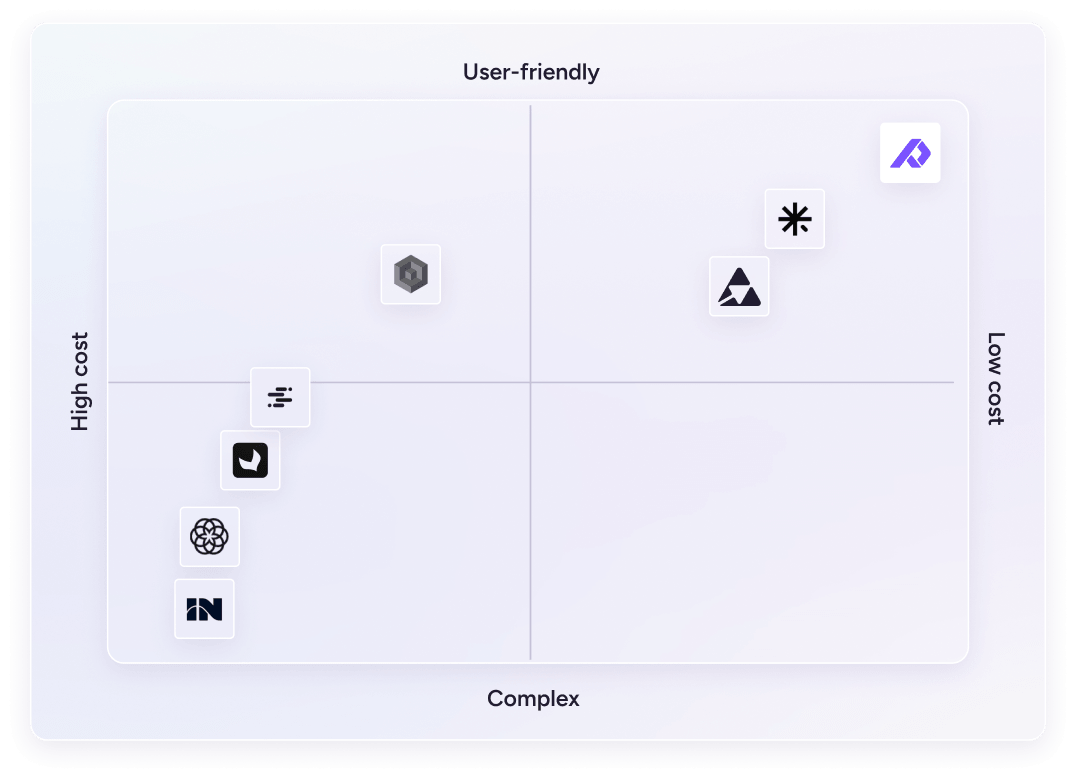
PIM solutions come in many shapes and sizes. With so many options, it’s not easy to navigate what solution is right for you.
To help you with your PIM decision, we created “The Ultimate PIM Buyer’s Guide.” This guide gives a PIM software comparison of the most popular PIM solutions on the market and helps you choose the right one for your business.
AI in modern PIM software
AI is changing how teams work with product data. Here is what that looks like in practice.
What AI can do in a PIM
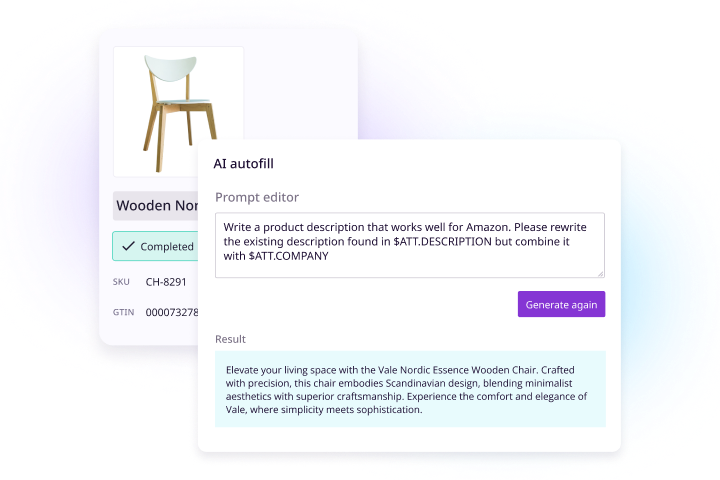
Modern PIM systems use AI to speed up the most time-consuming parts of product content work: writing descriptions, classifying products into categories, flagging missing attributes, and suggesting enrichments based on existing data.
What to look for in a PIM's AI features
The most useful AI features are ones that fit into your existing workflow rather than requiring a separate tool. Look for description generation, image transformation, bulk enrichment, and data validation built into the PIM itself, not bolted on as an add-on.
What AI looks like in Plytix
- AI product description generator powered by OpenAI: generate optimized descriptions for any sales channel in seconds
- AI automations: set trigger-based workflows that automatically run AI edits or generate text when conditions are met
- AI image transformation: relighting, custom editing, upscaling, and Shopify-ready image formatting, all inside the platform


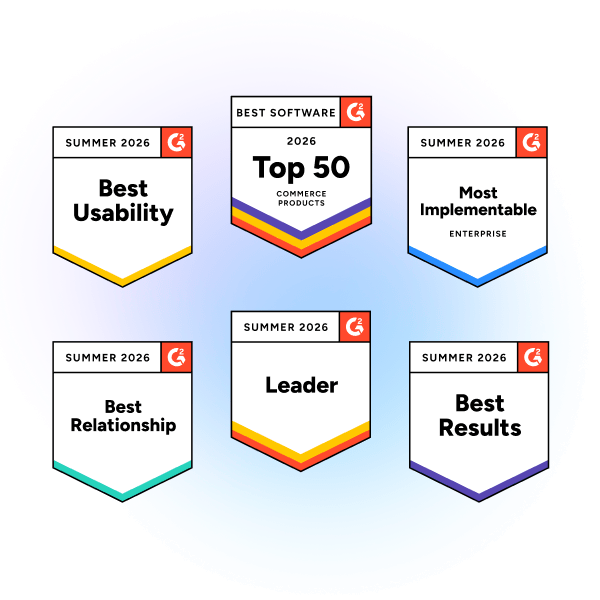
Why companies choose Plytix
FAQs
A PIM demo is a live walkthrough of a PIM software system where a representative shows you the features and functionality of the product. You can see how it looks, how it works, and, if you provide them with some of your data and channel requirements, get a feel for how it would work with your specific products.
This is the answer
Implementation time depends on the size of your catalog and the state of your existing data. A focused team with clean data can be up and running in a few weeks. Larger catalogs with data spread across multiple systems typically take a few months. The data preparation phase is usually what takes the most time.
A PIM gives you a structured place to receive, validate, and clean incoming data from suppliers before it reaches your channels. Instead of manually fixing inconsistent CSVs or mismatched fields, you set the rules once and the PIM flags anything that doesn’t meet them.
Most do, but the depth of integration varies. Some PIMs, like Plytix, have a native Shopify integration so you can connect your store and start syncing product data without any custom development. Others rely on APIs that require developer setup.
A good PIM is easy for your team to actually use, flexible enough to match your data structure, and built to connect with the channels and tools you already work with. Look for strong import and export options, workflow features, asset management, and responsive support.
The best PIM depends on your catalog size, the channels you sell on, and how your team works. For small and mid-sized businesses, Plytix is consistently rated among the top PIM solutions on G2. For a full comparison of the most popular options, check out our guide: Best PIM Software in 2026: Top Tools Compared and Ranked.
The ROI of a PIM comes from time saved on manual data work, faster product launches, fewer listing errors, and reduced returns. The exact numbers vary by business, but teams typically see the biggest gains in time to market and the hours spent on repetitive data tasks.
PIM software pricing varies widely depending on the vendor, the size of your product catalog, the number of users, and the features you need. Some vendors charge a flat monthly fee, while others charge based on the number of products or users. Plytix offers flexible pricing plans to suit businesses of all sizes. Check out our pricing page for more details.