
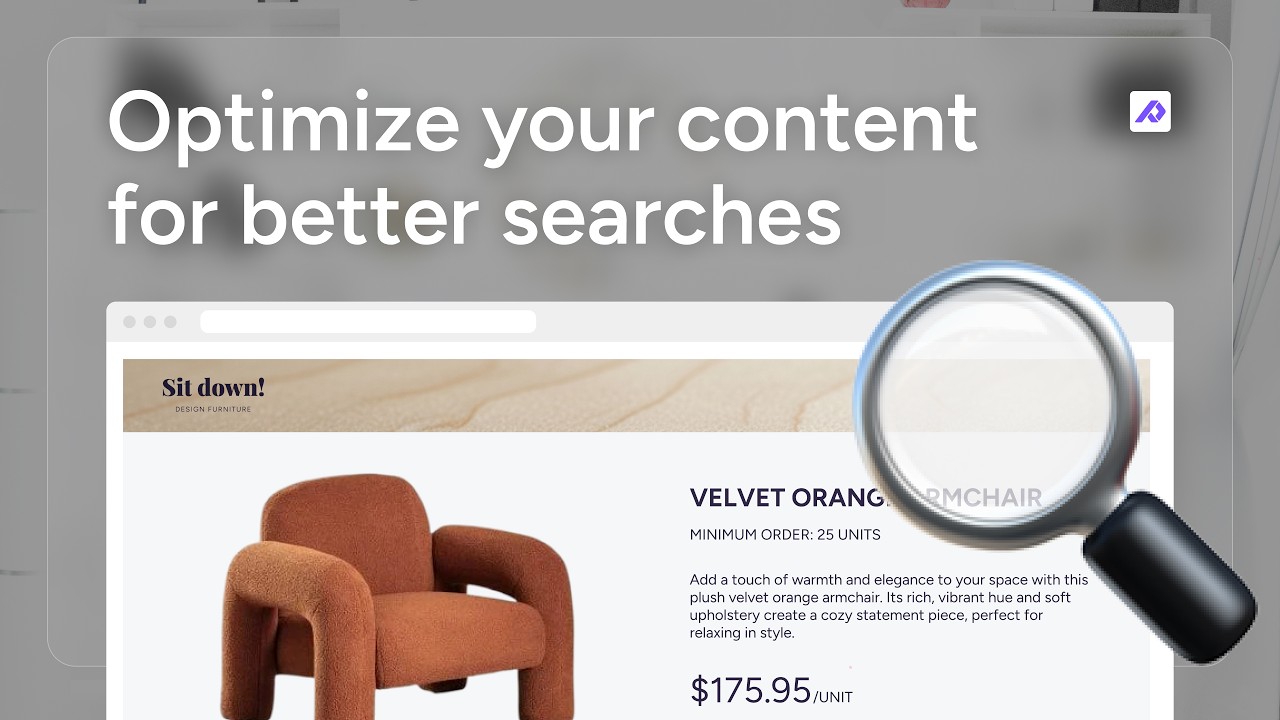
Having the right product data in your feed is only the first step. Your content also needs to be relevant, complete, and optimized so customers can find and understand your products.
In this playbook, you’ll learn how to review and optimize your product content in Plytix, from improving titles and descriptions to assigning categories, checking images, and finding missing information before you send your products to a channel.
If you’re interested in learning how to format your product feed, check out part 1 of this playbook: Automatically format your product feed.
What you’ll learn
By the end of this playbook, you’ll know how to review and improve the product content you send to your channels.
This workflow helps you:
- Catch gaps before they become a problem
Use completeness checks to find missing information and make sure your products are ready to be published. - Generate content that sounds like your brand
Use Plytix AI to turn existing product attributes into optimized descriptions or other product specs without manually copy pasting information for every product. - Get more sales through better search matches
Enrich the content behind your titles and other channel information so customers can find the right products when searching for specific details.
Step-by-step guide
- Create a dedicated view for your channel content
Bring the fields you need to review into one view so you can quickly see and update the content you’re preparing for a channel. - Enrich your existing content
Use Plytix AI and automations to combine structured product information, such as features, materials, and care instructions, into complete, channel-ready specifications. You can also create separate content for specific channels without replacing your original product content. - Assign the right product categories
Use the category structure required by your channel and apply categories in bulk to products that share the same product type or characteristics.
- Review your product images
Make sure your images meet your channel’s requirements and show the correct product or variant. Use Plytix’s AI tools to adjust images when needed without changing your original assets. - Create a final completeness check
Once your content is optimized, create a completeness attribute to check that the fields your channel requires are filled in. Add it to your saved view so you can quickly find and fix any gaps.
Best practices and resources
Once your content is optimized, these tips will help you keep your product information accurate and ready for different channels.
Click on any of the tips below for a step-by-step guide.
- Group your channel fields together
Organize the attributes you use for a specific channel into a group, so your team can quickly find the information they need to review and update.
- Autolink files to the right products
Create autolink rules using your file naming convention to match your images, videos, and documents to the right products, so your files are always connected to your listings before sending them to your channels.
- Standardize the data behind your content
Use automations to keep values such as product types and brands consistent. This gives your channel transformations better source data to work with.
- Find the right requirements for your channel
Different channels have different requirements for product titles, descriptions, categories, images, and other fields. We have a list of best practices guides to help you optimize your product content for the channel you’re working with.
FAQs
Related playbooks
Once your product content is optimized, you can keep improving how you prepare and distribute it.
See what else you can do with Plytix: