







Managing and optimizing product content takes time, especially when you’re working across different languages, channels, and product types.
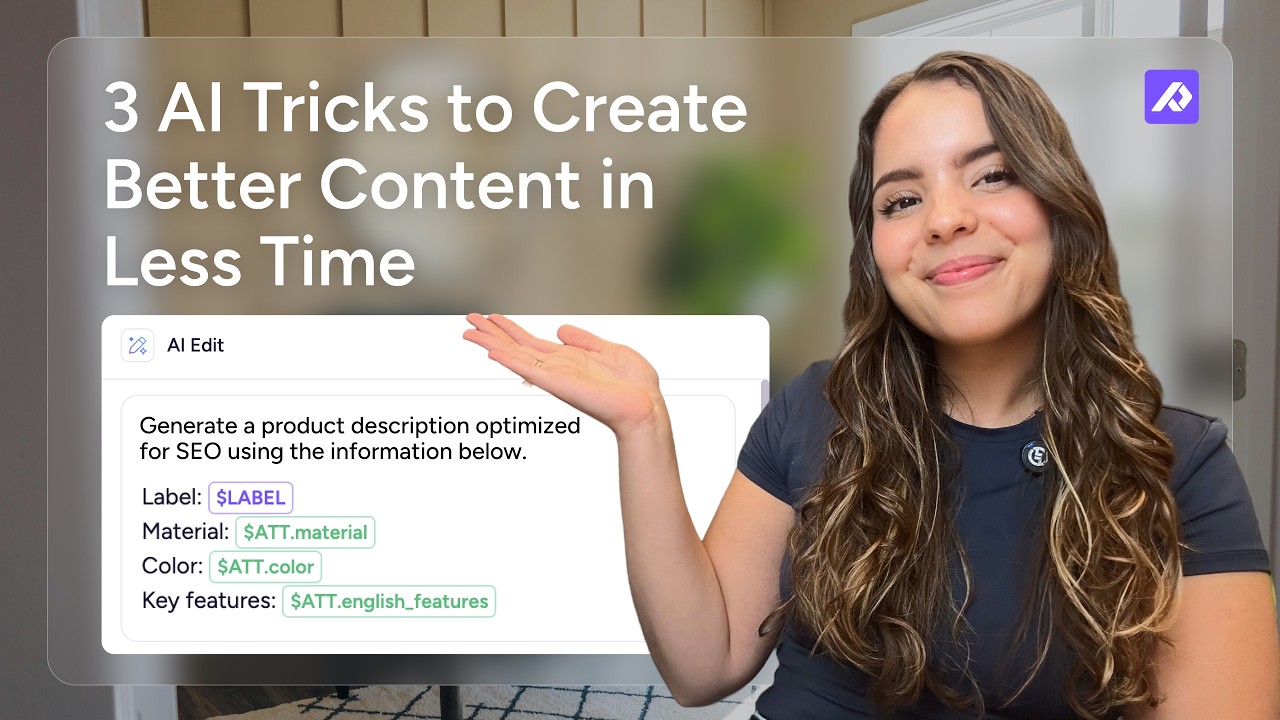
In this playbook, you’ll learn three practical ways to use AI in Plytix to create and improve product content in bulk, from generating SEO-friendly descriptions to translating content and creating new fields for AI-powered product recommendations.
What you’ll learn
By the end of this playbook, you’ll know how to create better content in less time, using Plytix AI to draw from the information you already have in your catalog.
This workflow helps you:
- Create better product content at scale
Use your existing product data to generate descriptions and other content without writing everything from scratch or manually updating products one by one. - Reach new markets faster
Translate product content in bulk while keeping your brand voice, product specifications, and guidelines consistent across different markets. - Make your products easier to discover
Create structured content such as “Best for” statements, use-case summaries, and FAQs that give customers and AI shopping assistants more context about when your products are relevant.
Step-by-step guide
- Create unique attributes
Add structured fields for your SEO descriptions, translated specifications and agentic content. - Select your products and add your prompt
Use your existing product attributes, such as category, material, color, dimensions, features, and benefits, as context for AI-generated descriptions, translations, and agentic search fields. You can also save your prompts for future use. - Use brand guidelines to keep content consistent
Create brand guidelines for different markets or content types and reference them when generating or translating content. This gives AI more context about how your brand communicates.
- Automate your workflows
Use Automations to generate or translate content based on conditions you define. This can help keep localized or other AI-generated content up to date as products are added or changed.
Best practices and resources
Once you start using AI for product content, these tips can help you get more consistent and useful results.
Click on any of the tips below for a step-by-step guide.
- Give AI clear instructions
Be specific about the tone, format, length, terminology, and information you want AI to use. Clear prompts make it easier to get better results. You can also start with one of our prompt templates.
- Add your brand guidelines
Give AI additional context about your tone of voice, blocked terms, and target audience, so generated content stays consistent with your brand. You can create different guidelines for unique sales channels, markets, or product types.
- Preview results and adjust prompts
Use the "preview" option to see a sample of the generated content before saving the result to all products. This lets you tweak the prompt to match what you're looking for.